Programming Hub is an Android education app that turns learning to code into a structured, hands-on experience for beginners and working developers alike. With expert-built courses, a large library of runnable examples, and a fast built-in compiler, it lets you study a language and immediately test what you have learned on the same screen. This version 5.2.70 release focuses on smooth performance and broad language coverage, making it a practical companion for anyone who wants to build programming skills during short breaks or full study sessions.
Features
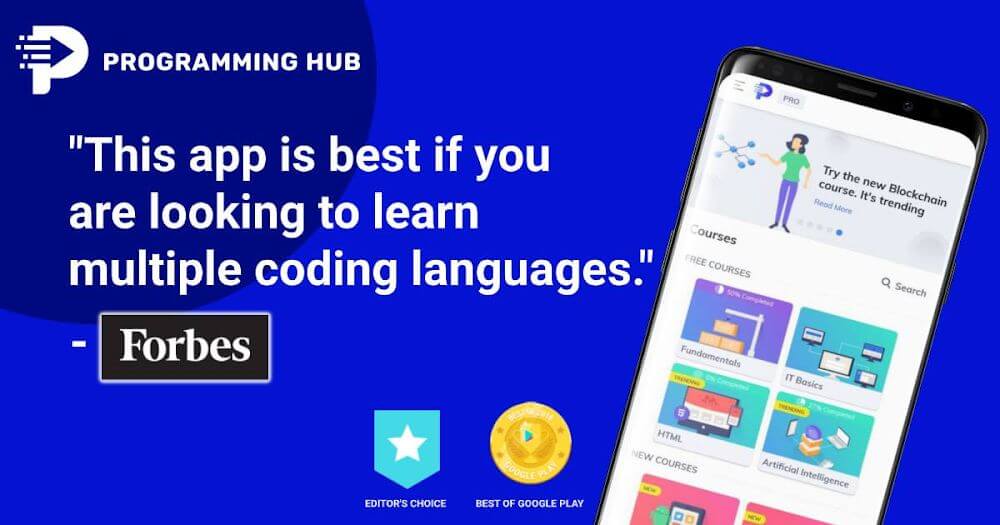
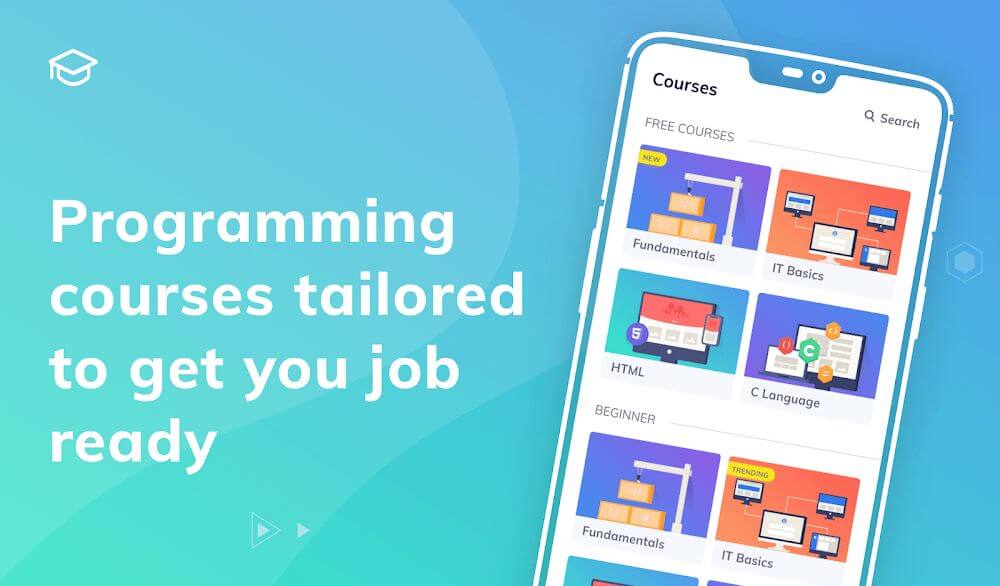
1. Programming Hub offers more than 20 structured courses written by experienced instructors, covering everything from absolute beginner fundamentals to advanced topics so you can follow a clear path instead of piecing together random tutorials.
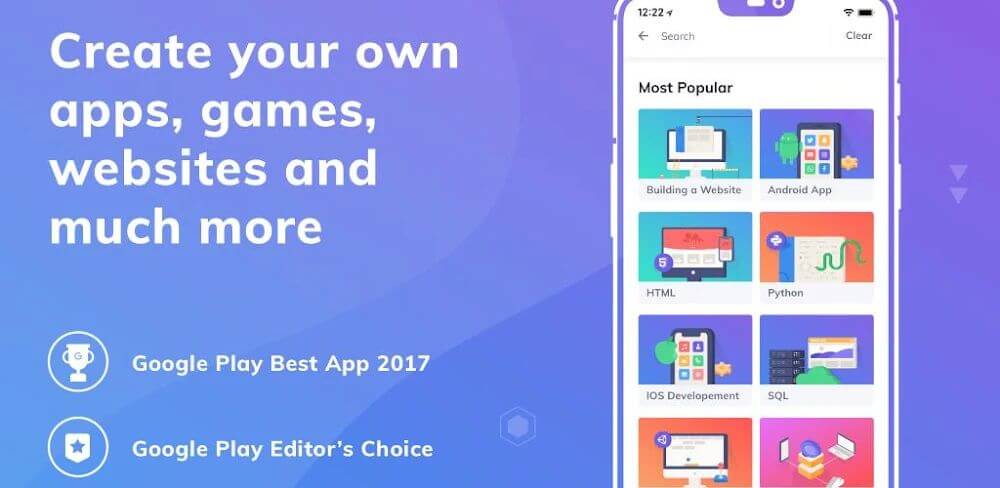
2. The app supports a wide range of languages, including Java, C, C++, JavaScript, HTML, Python, and many others, letting you switch between subjects as your goals change without installing a second learning tool.
3. A library of over 5,000 ready-to-run programs and examples accompanies the lessons, giving you concrete code to read, modify, and execute so abstract concepts become tangible quickly.
4. The built-in compiler and editor run more than 20 languages directly on Android, so you can write, compile, and test snippets on your phone without a laptop or a separate development environment.
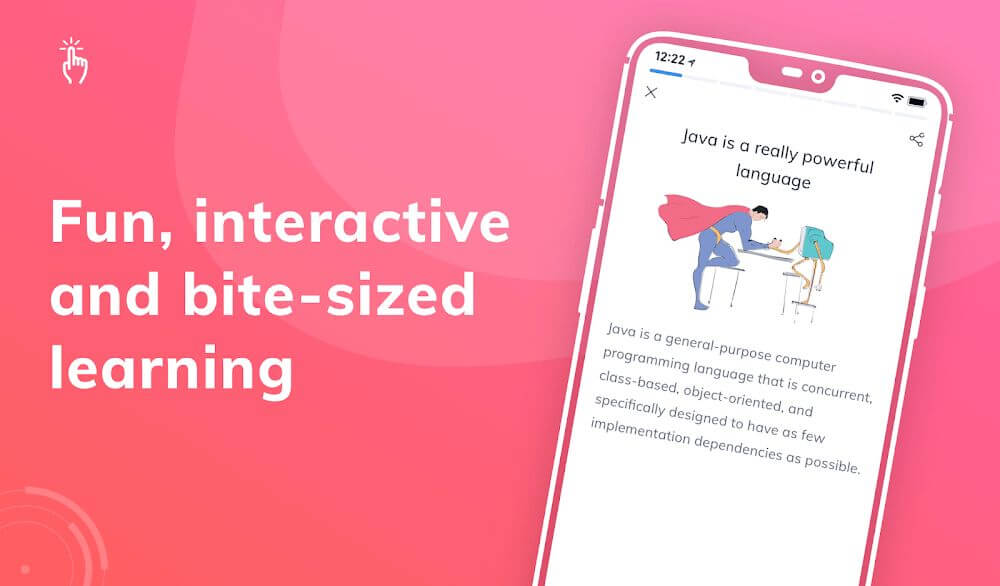
5. Interactive lessons combine illustrations, quizzes, and concept visuals that reinforce theory, helping you retain syntax and logic far longer than passive reading would allow.
6. Regular updates add new examples and courses over time, so the content keeps expanding and you always have fresh material to explore after finishing an existing track.
How to Use
1. Install Programming Hub from your preferred store, open the app, and create a profile or sign in so your course progress and completed lessons are saved across sessions.
2. Browse the course catalog and pick a language that matches your goal, then start with the introductory modules to build a foundation before moving to advanced chapters.
3. Work through each lesson by reading the explanation, studying the illustrated examples, and then opening the code editor to retype and run the sample yourself.
4. Use the compiler to experiment: change values, break the code on purpose, and fix the errors, because debugging your own modifications teaches faster than copying finished programs.
5. Take the quizzes at the end of each section to check your understanding, and revisit any lesson where your score shows a gap before continuing to the next topic.
6. Track your progress in the app, set a daily study target, and return to unfinished courses regularly so short sessions accumulate into real, lasting programming knowledge.
Tips
1. Study in short, consistent sessions of 20 to 30 minutes rather than long marathons, since spaced repetition helps you absorb syntax and retain concepts much more effectively.
2. Always type the example code manually instead of copying it, because the muscle memory of writing syntax and spotting your own typos builds genuine fluency.
3. Focus on one language at a time until you can write small programs unaided, then branch out, as jumping between languages early often leaves you with shallow knowledge of each.
4. Keep a personal notes file of errors you encounter and how you fixed them, creating a reference that speeds up debugging and reinforces lessons you have already learned.
5. Build a tiny project after every few courses, such as a calculator or a to-do list, so the concepts move from theory into practical, memorable application.
6. Revisit completed lessons periodically and re-run old examples, because reviewing fundamentals after learning advanced topics often reveals details you missed the first time.
Review
1. Programming Hub succeeds because it treats learning to code as an active process: lessons, examples, and a working compiler sit in one place, so you never lose momentum switching between tools.
2. The course quality stands out, with explanations written by instructors who understand where beginners struggle, and the illustrated examples make abstract ideas like loops and functions easier to grasp.
3. The on-device compiler is genuinely useful for quick tests, though very large projects are better suited to a desktop environment, which is a reasonable limitation for a mobile learning app.
4. The breadth of languages and the 5,000-plus example programs give the app long-term value, and regular updates keep the content from feeling stale after you finish the initial courses.
5. Overall, this version 5.2.70 release is a strong choice for self-taught learners and students who want structured, portable programming practice without paying for multiple resources.
Similar Apps
1. SoloLearn offers a comparable mix of bite-sized lessons, quizzes, and a code playground across many languages, with a strong community feature that lets learners compare solutions and ask questions.
2. Mimo focuses on a polished, gamified path into coding with short daily exercises and project-based tracks, making it a good alternative if you prefer streaks and structured challenges.
3. Enki delivers short daily workouts and skill reviews tailored to your role, which suits busy professionals who want focused practice rather than full-length courses.
4. Grasshopper, built by Google, teaches JavaScript through puzzles and games, making it an excellent starting point for absolute beginners before moving to a broader app.
5. Programming Hero takes a project-first approach, guiding you to build small games and apps while learning Python, which appeals to learners who want visible results early.










Comments (0)
No comments yet. Be the first!