Videotone turns every incoming call into a small visual event, swapping the familiar audio ringtone for high-definition video clips that play right on your screen. With version 5.8.6, this Communication app offers a fresh way to express your personality through your phone, letting you assign lively visuals to individual contacts or set one clip for everyone. Whether you prefer trending social media moments or personal memories from your gallery, Videotone makes call notifications something to look forward to rather than ignore.
Features
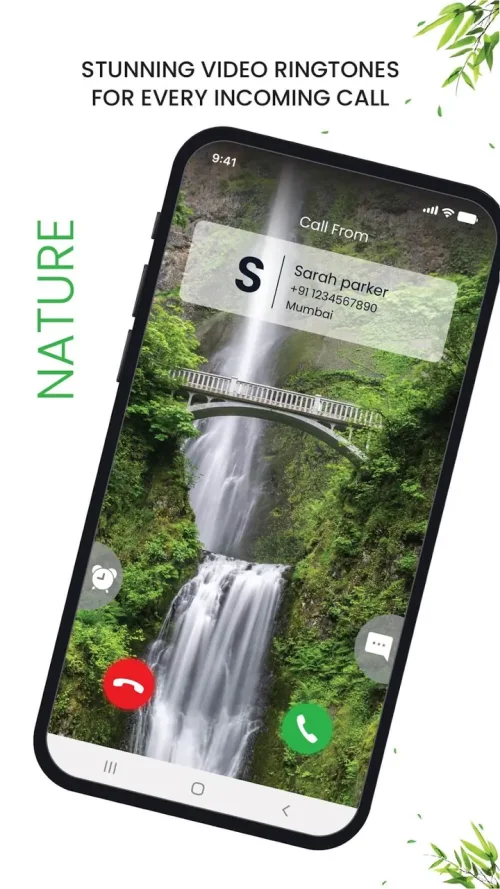
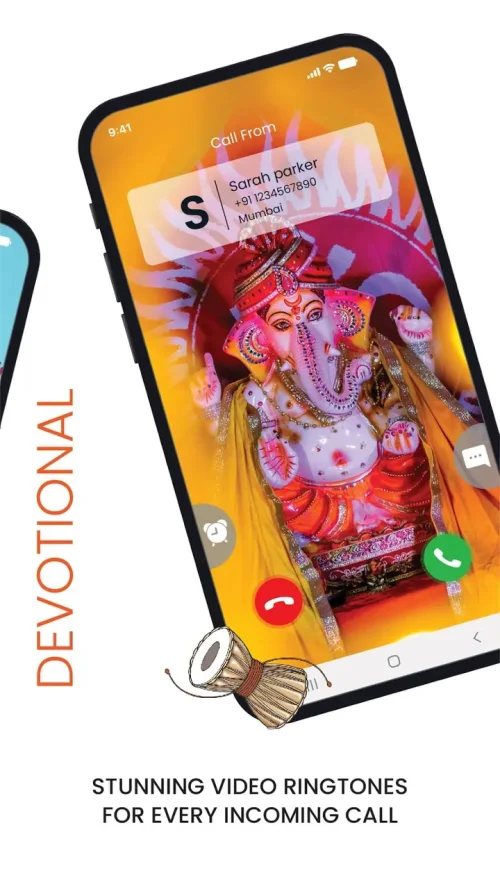
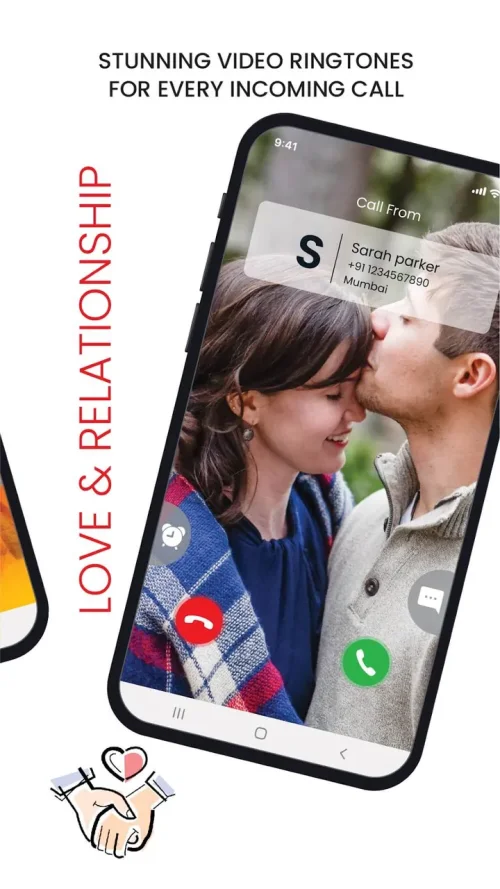
1. A curated discovery feed presents trending video ringtones across categories such as Travel, Love, Sports, and Abstract, so you can browse fresh clips without hunting through storage folders or third-party sites.
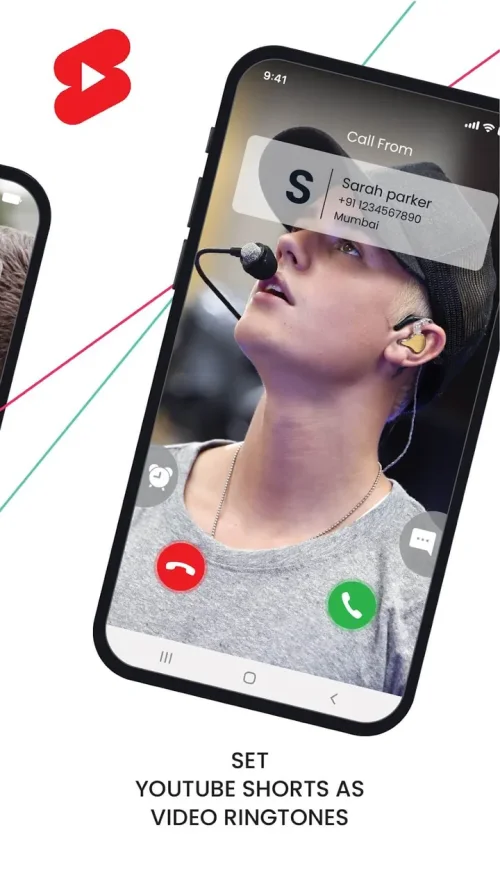
2. Live preview mode shows exactly how a selected clip will appear during an actual incoming call, letting you judge framing, motion, and duration before committing it to your default or contact-specific setup.
3. A global default video option applies one favorite clip to all incoming calls, while the Contact Manager lets you assign unique videos to friends, family, and colleagues for a personal touch on every conversation.
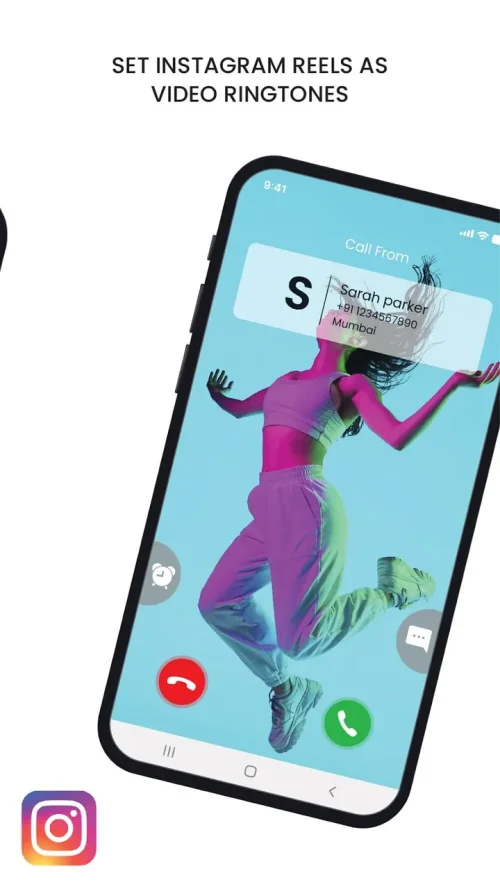
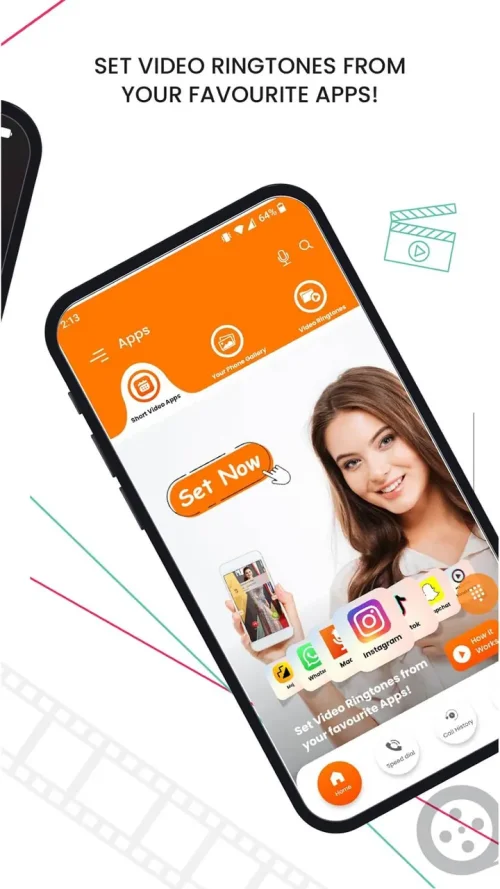
4. Direct integration with your phone's media storage means personal videos and saved social media clips can become ringtones, turning birthdays, trips, and shared moments into call notifications.
5. A utility sidebar bundles quick access to the Spam Blocker and dialer settings, keeping call management tools within reach while you personalize your screen.
How to Use
1. Launch Videotone and scroll through the curated feed of trending video ringtones, using the category filters to narrow results to the mood or theme you want for your calls.
2. Tap any clip to open its preview and watch how it would play during a live incoming call, checking that the visuals look right on your screen before you proceed.
3. Choose Set as Default to apply the clip to all incoming calls, or open the Contact Manager to assign that video to a specific person in your address book.
4. Import a personal video from your phone's gallery when you want something unique, then confirm the selection so Videotone registers it as an available ringtone.
5. Visit the utility sidebar to review Spam Blocker and dialer settings, ensuring your call handling stays organized alongside your new visual setup.
Tips
1. Pick short, loop-friendly clips with clear motion, since brief videos tend to look sharper and more intentional when they repeat during a ringing call.
2. Assign distinct videos to your closest contacts so you can recognize who is calling at a glance, even before you look at the name on screen.
3. Keep a calm, low-motion clip as your global default and save energetic or colorful videos for specific people, balancing style with everyday readability.
4. Test each new ringtone with a quick self-call or a friend's call to confirm the video plays correctly on your device and lock screen.
5. Store imported personal clips in a dedicated gallery folder so they remain easy to find when you want to refresh your contact assignments later.
Review
1. Videotone delivers on its core promise: calls feel noticeably more personal, and the shift from audio to video ringtones is genuinely refreshing for anyone tired of stock sounds.
2. The browsing experience is straightforward, with category filters and previews that make choosing a clip quick, though a very large library can take a little scrolling to explore.
3. Contact-specific assignment is the standout feature, letting you build a small visual address book where each caller has a recognizable clip.
4. Performance depends on your device, and longer or heavier videos may stutter on older phones, so shorter clips generally provide the smoothest experience.
5. Overall, Videotone is a worthwhile download for users who treat their phone as an extension of their style and enjoy a bit of cinematic flair with every ring.
Similar Apps
1. Video Ringtone Maker offers tools to create and assign video caller IDs, appealing to users who want more editing control over their clips.
2. Caller Screen Themes focuses on customizing the entire incoming call screen, including backgrounds and animations beyond just the ringtone video.
3. Zedge provides a broad library of wallpapers, audio ringtones, and notification sounds, useful for users who want a one-stop personalization hub.
4. Truecaller combines caller identification and spam blocking with personalization options, suiting users who prioritize call screening alongside style.
5. MyCaller Screen delivers animated caller themes and video call screens, a solid alternative for those who enjoy visual flair on every incoming call.











Comments (0)
No comments yet. Be the first!