Sandbox is a calm, pixel-based coloring app for Android where every picture is built from tiny numbered cells that you fill one by one. Instead of freehand drawing, you simply match each pixel to its assigned color, and the outlines gradually vanish as the artwork comes together. With multiple resolutions, a growing palette of color boxes, and optional time-lapse recording of your progress, Sandbox turns a few quiet minutes into a complete, shareable piece of art.
Features
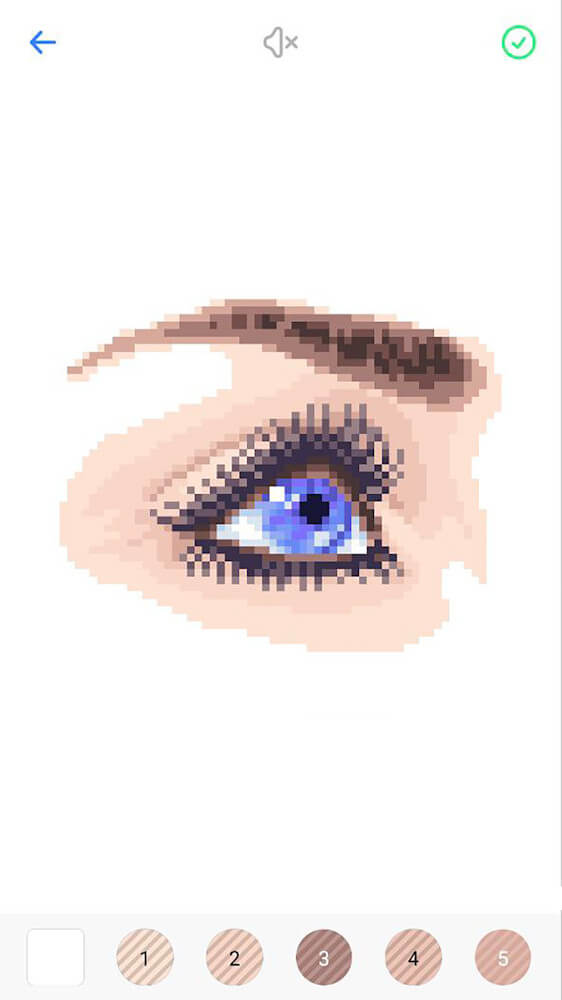
- Sandbox renders every drawing as a grid of individual pixels, so each cell you fill contributes to a sharp and realistic final image rather than a rough sketch.
- Each artwork is available in several resolutions, letting you pick a small canvas for a quick session or a large one when you want fine detail and a longer, more absorbing project.
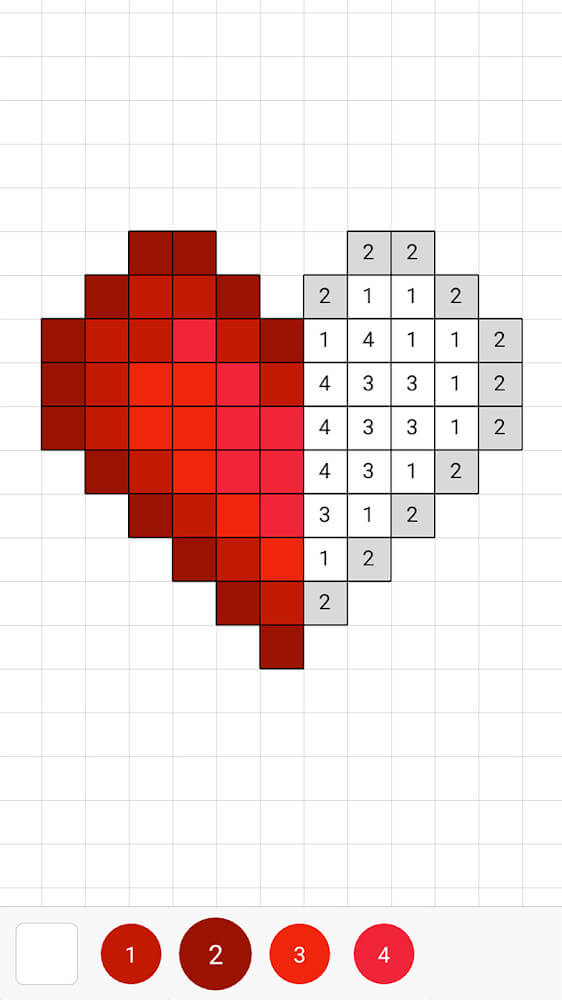
- The color palette expands as images grow more complex, starting from as few as three color boxes and scaling up to ten or even a hundred distinct shades for intricate pieces.
- A smooth zoom control lets you move across large canvases and tap any numbered cell precisely, which keeps even high-resolution paintings comfortable to work on.
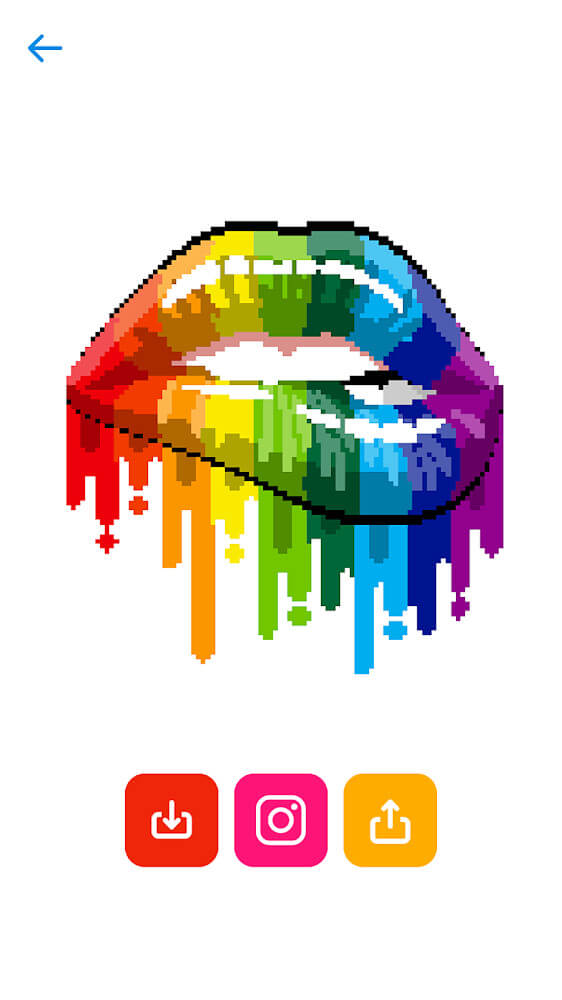
- Completed artwork can be exported and shared to any platform, so you can show off your finished picture or post it alongside friends and family.
- An automatic time-lapse recorder captures your coloring session, trims out the pauses, and produces a short video of the whole picture coming to life.
- Save and load options let you pause a painting and return later, which is handy when several people take turns coloring the same image together.
How to Use
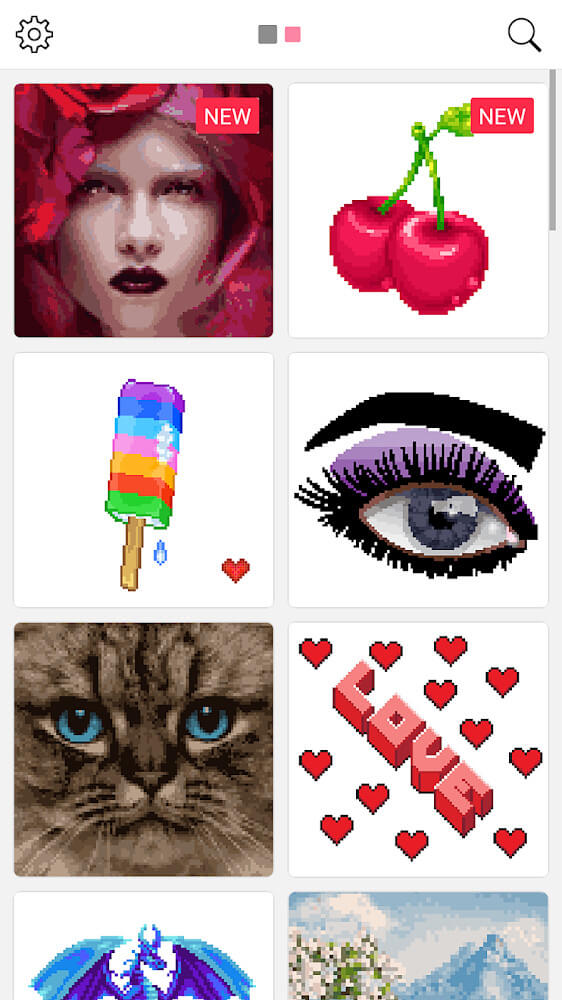
- Open Sandbox and browse the available paintings, then choose one and select the resolution that matches how much time and detail you want to invest.
- Pinch or double-tap to zoom into the canvas until the numbered cells are large enough to tap accurately with your fingertip.
- Pick a color from the palette, then tap the cells carrying the matching number and watch the white outlines fade as the image fills in.
- Switch between colors freely whenever you like, since Sandbox places no rules on which shades you use or in what order you apply them.
- Save your progress at any point, or load a previous session later to continue exactly where you and your coloring partners left off.
- When the picture is finished, export it as an image or generate the time-lapse video, then share either version directly to your favorite platform.
Tips
- Start with low-resolution paintings to learn how the numbered cells behave, then move up to larger canvases once tapping feels natural.
- Work in short, focused sessions and save often, because large high-resolution pieces can take many sittings to complete.
- Fill one color completely before switching to the next, which reduces palette switching and keeps your progress easy to track.
- Zoom in closely on dense areas where numbers crowd together, and zoom out periodically to see how the overall image is developing.
- Invite family members to take turns on a single large painting, since shared sessions make the time-lapse video far more entertaining.
- Keep the time-lapse feature enabled on bigger projects so the final video shows a satisfying transformation from blank grid to finished art.
Review
- Sandbox succeeds as a relaxing pastime because it removes the pressure of freehand drawing and replaces it with a simple, satisfying matching task.
- The resolution options are the standout feature, giving beginners a gentle entry point while offering dedicated colorists genuinely detailed canvases.
- Its unrestricted color choices mean two people can complete the same painting and end up with completely different, equally attractive results.
- The automatic time-lapse editing is a clever touch that turns an ordinary coloring session into something worth sharing with friends.
- Multiplayer-style coloring and save/load support make it a genuinely good fit for family evenings rather than a solo-only activity.
- Occasional waiting for new community paintings is the main drawback, but the existing library and resolution variety keep it worthwhile.
Similar Apps
- Color by Number – a widely used coloring app with numbered regions and a large themed gallery that fans of structured coloring will recognize immediately.
- Pixel Art Book – focuses on pixel-grid painting with palettes and export options, appealing to users who enjoy Sandbox's block-by-block approach.
- Happy Color – offers a broad collection of illustrations with daily additions, suitable for anyone who wants more variety in subject matter.
- Sandbox Pixel Coloring – a close relative of Sandbox with similar pixel mechanics, useful for comparing palette sizes and canvas resolutions.
- Colorfy – leans toward adult coloring with detailed line art, a good alternative if you eventually want more freedom than numbered cells allow.
- Pixel Studio – a pixel drawing tool rather than a coloring app, ideal for users ready to create original pixel art after mastering Sandbox.











Comments (0)
No comments yet. Be the first!