APK Backup puts a safety net around the apps you rely on every day, letting you archive installation files and restore them whenever something goes wrong. Whether you are switching to a new phone, testing a risky update, or simply cleaning up storage, this lightweight tool keeps your favorite apps within reach and your data protected without complicated setup.
Features
1. One-tap backup captures the full APK package of any installed app in seconds, so you always have a clean copy ready for reinstalling without hunting through the store again.
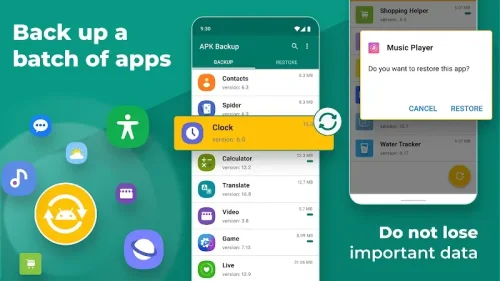
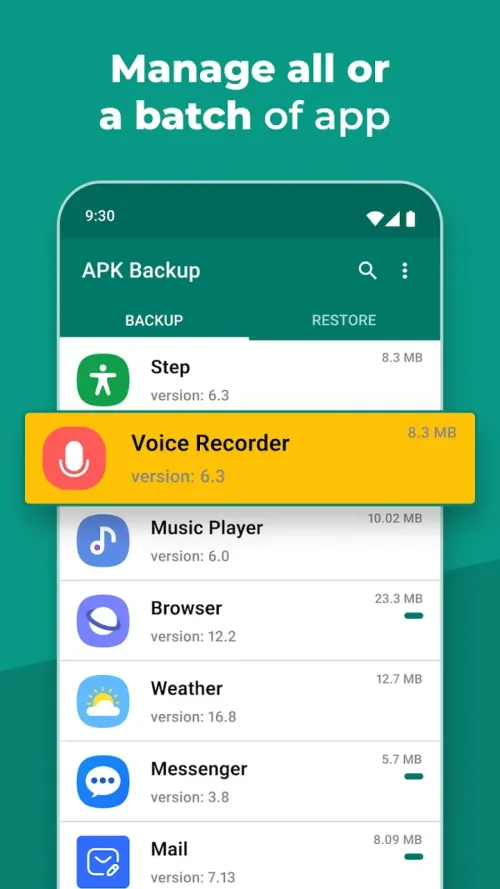
2. Batch selection lets you queue several apps at once and archive them together, which is ideal when you are preparing for a device migration or a factory reset.
3. A high-speed extraction engine bundles the package and its essential data quickly, keeping the process smooth even for large games and heavy productivity tools.
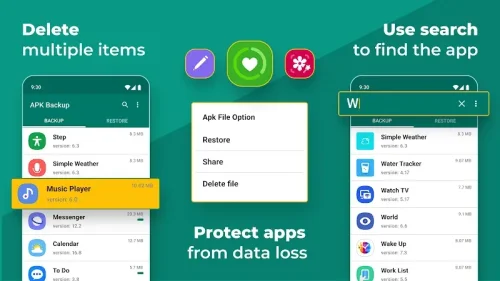
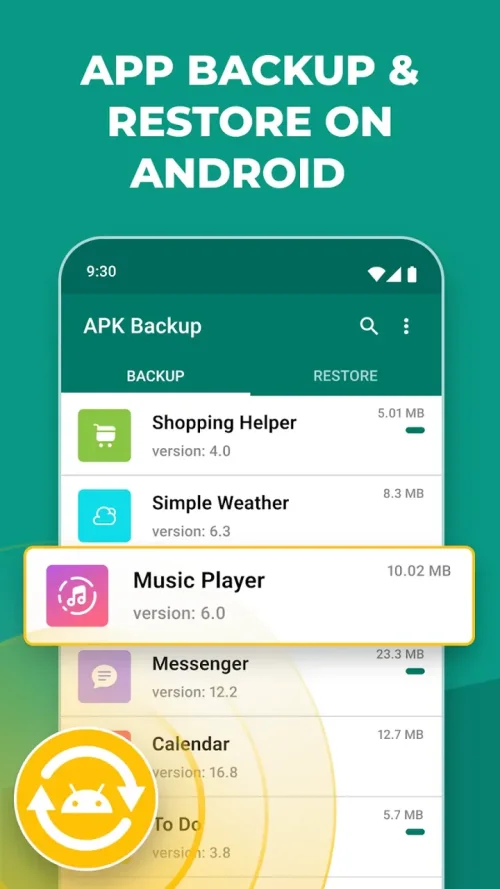
4. Organized storage keeps every archived file neatly listed with its name and version, making it easy to browse your library and pick the exact build you need.
5. Instant restoration reinstalls a saved app directly from your archive, skipping the download step and saving both time and mobile data on every recovery.
How to Use
1. Open APK Backup and grant the storage permissions it requests, then let the app scan your device so your installed applications appear in a clear, readable list.
2. Tap the apps you want to protect, or use the select-all option for a full backup, and confirm to start the extraction process.
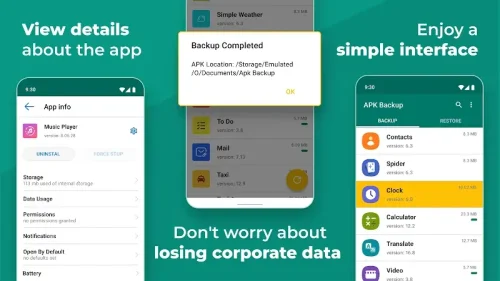
3. Wait a few moments while the engine packages each file, then check the archive section to confirm everything was saved correctly.
4. To restore, open your archive, choose the app and version you need, and tap Restore to reinstall it on the current device.
Tips
1. Run a fresh backup before installing any major system update, since a rollback is far easier when you already hold a working copy of your key apps.
2. Keep your archive on external storage or a cloud folder so a factory reset or a lost phone does not wipe out your saved installation files.
3. Label backups with dates in your own notes, which helps you identify the stable version when a newer release turns out to be buggy.
4. Clear out old archives periodically to free space, keeping only the versions you actually plan to reinstall later.
Review
1. APK Backup does one job and does it well, offering a clean interface that even first-time users can navigate without reading any instructions.
2. The extraction speed stands out in testing, handling large game packages noticeably faster than many general-purpose file managers.
3. Restoration works reliably and removes the frustration of waiting for a full store download when you just want an app back on your phone.
4. A few users may wish for automatic scheduled backups, but for manual protection the tool covers everything most Android owners need.
Similar Apps
1. App Backup & Restore offers a straightforward way to save and reinstall applications, with a simple list view and quick batch operations for everyday use.
2. Super Backup & Restore extends beyond apps to contacts, messages, and call logs, making it a broader choice for full device migration.
3. MyBackup Pro provides cloud and local backup options with scheduling, suited to users who want automated protection across multiple data types.
4. Titanium Backup remains a favorite among advanced users for deep app and data control, though it typically requires root access to unlock its full potential.











Comments (0)
No comments yet. Be the first!