Game Booster 4x Faster is a lightweight Android utility built to squeeze more performance out of your phone before you jump into a match. Instead of digging through developer menus, you get a single dashboard where system resources, resolution, frame rate, and graphics quality can be tuned for the game you are about to play. This listing covers version 9.6.0 with Premium Unlocked, packaged as com.g19mobile.gamebooster and delivered as an 8M file that installs as a fresh re-signed build rather than an update over a store copy.
Features
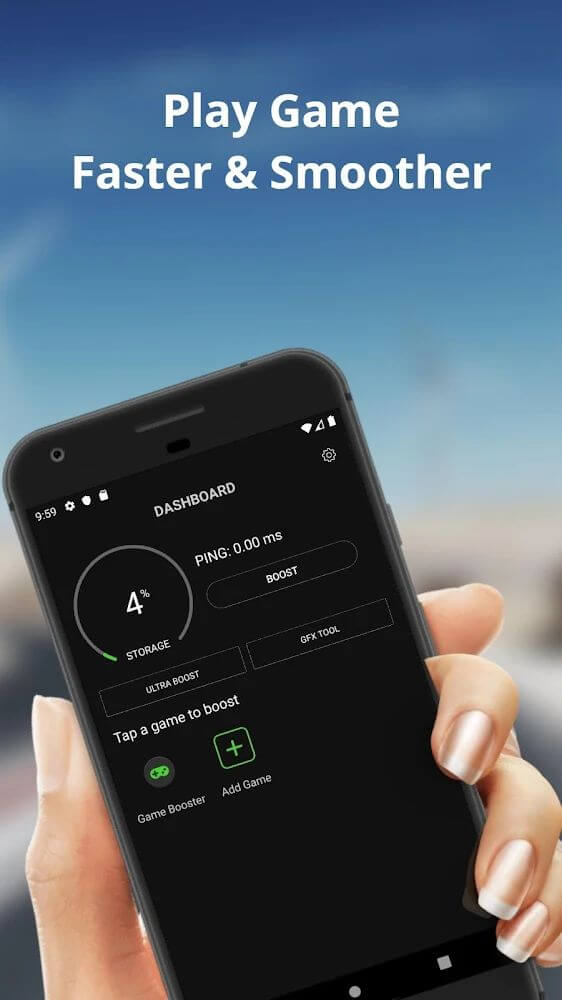
- 1. One-tap game detection scans your device and lists every installed game and game cart so you can add the titles you actually play to a managed library and remove them whenever you like.
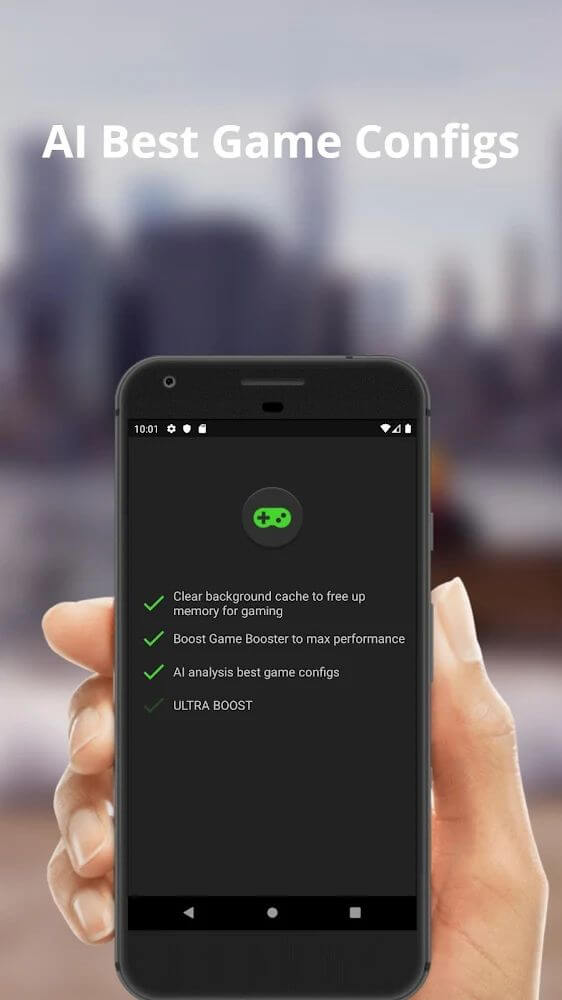
- 2. Automatic performance mode reads your game profile and adjusts system settings on its own, which is handy for demanding titles such as PUBG and Free Fire where stability matters more than tinkering.
- 3. Manual tuning controls let you set parameters yourself when the automatic profile does not match your preferences, giving you direct control over how aggressively resources are redirected.
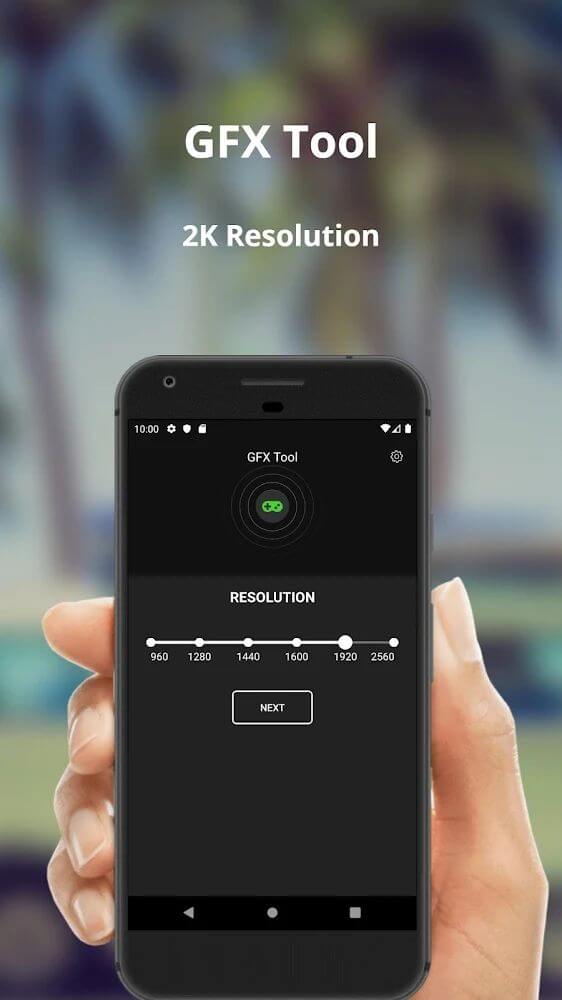
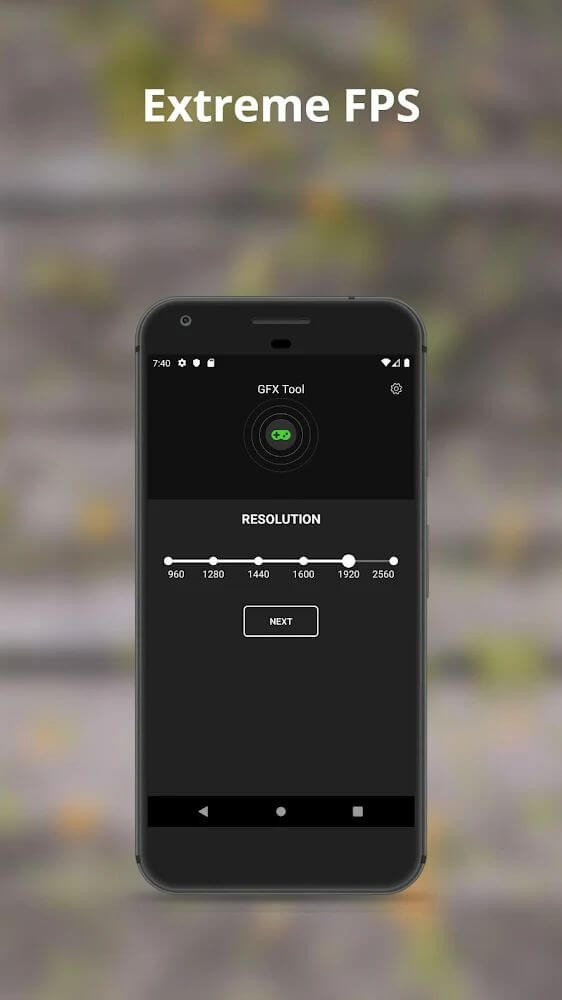
- 4. Resolution adjustment offers several presets matched to your screen size, helping large-display owners get a crisp picture while also cutting rendering load on weaker hardware.
- 5. FPS configuration lets you raise or cap the frame rate, so high-refresh displays can push beyond the usual 30 Hz ceiling while older panels avoid stutter and excess heat.
- 6. Graphics quality sliders round out the trio of visual settings, letting you trade detail for smoothness until you find the balance your chipset can actually sustain.
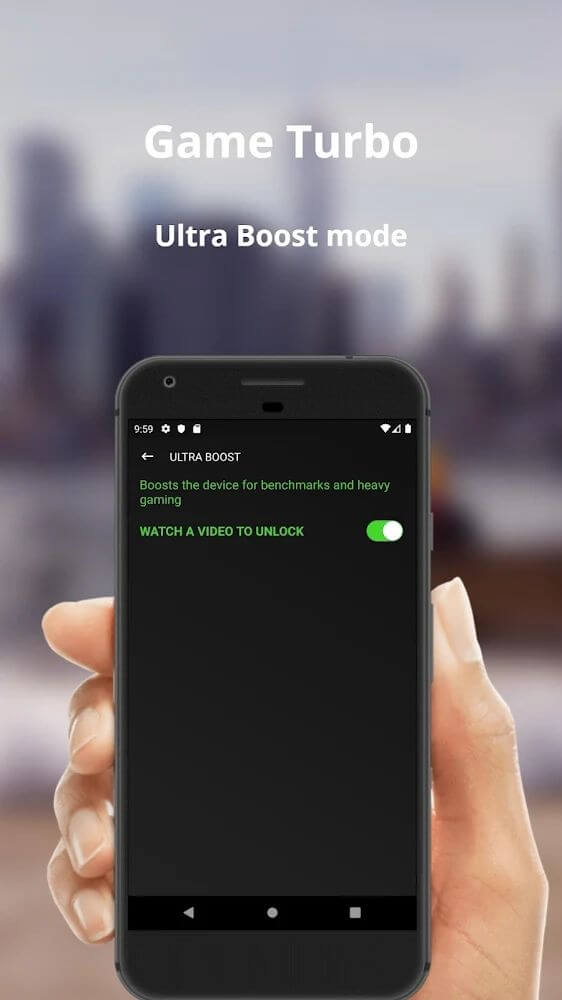
- 7. Premium Unlocked in this 9.6.0 build opens every advanced optimization tool from the first launch, with no root required and no paywall standing between you and the settings.
How to Use
- 1. Download the 8M package from this page, then allow installation from your browser or file manager when Android prompts you, since the re-signed build triggers a Play Protect warning that is expected here.
- 2. If you already have a store version installed, uninstall it first; the signature differs, so Android will refuse to install over it and report a conflict instead.
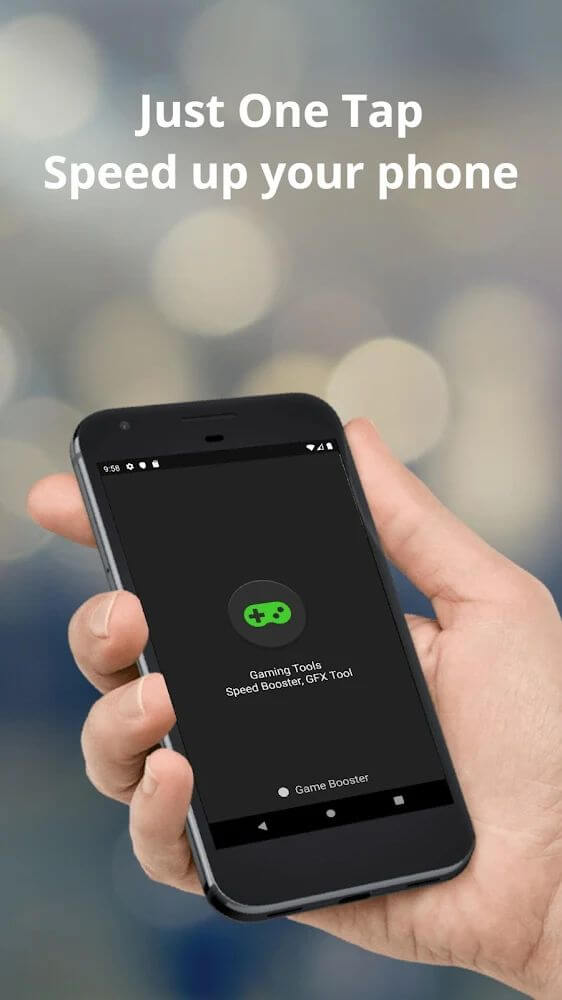
- 3. Open Game Booster 4x Faster and tap the main button to scan your device, then pick the games you want managed and confirm to add them to your library.
- 4. Choose automatic optimization for a hands-off setup, or open the manual panel to set resolution, FPS, and graphics quality for each managed title individually.
- 5. Launch any managed game straight from its icon inside the app, and the system adjustments are applied before the game loads rather than mid-session.
Tips
- 1. Start with automatic mode for a few sessions and note how your favorite game behaves before changing anything manually, because the default profile is usually a sensible baseline.
- 2. Lower resolution before lowering FPS when a game stutters, since reducing pixel count eases both GPU and CPU load and often preserves smoother motion than capping frames.
- 3. Avoid pushing FPS above your display's native refresh rate, as the extra frames cost battery and generate heat without producing any visible benefit on screen.
- 4. Keep only the games you actively play in the managed list, because a shorter library means faster scans and less background work each time you open the booster.
- 5. Close chat apps and background downloads before launching a managed game, since the booster redirects resources but cannot reclaim memory held by other running apps.
Review
- 1. The interface is genuinely simple: one button, one list, and a settings panel that does not bury options behind nested menus, which suits a tool you open for thirty seconds before gaming.
- 2. Results depend heavily on hardware, and while flagship phones see modest gains, older or budget devices benefit most from the resolution and graphics reductions the app makes easy.
- 3. The Premium Unlocked build removes the usual restrictions, and with a 3.8 rating from 30 users and no root requirement, it is a reasonable pick for casual mobile gamers.
- 4. Expect the Play Protect alert during installation and remember this 9.6.0 file will not install over an official store copy, so plan for a clean install and re-adding your games.
Similar Apps
- 1. GFX Tool offers comparable per-game graphics and frame rate configuration for battle royale titles, though it focuses on visual presets rather than broad system resource management.
- 2. Turbo Game Booster Pro bundles RAM cleaning, background app killing, and a game launcher in one package, making it a broader maintenance tool than a pure performance tuner.
- 3. Game Booster - GFX Tool & Lag Fix targets lag reduction with ping monitoring alongside graphics tweaks, which helps players whose problems stem from network latency rather than frame drops.
- 4. Razer Cortex Mobile concentrates on freeing memory and suspending background processes before launch, a lighter alternative if you only want a quick pre-game cleanup.











Comments (0)
No comments yet. Be the first!