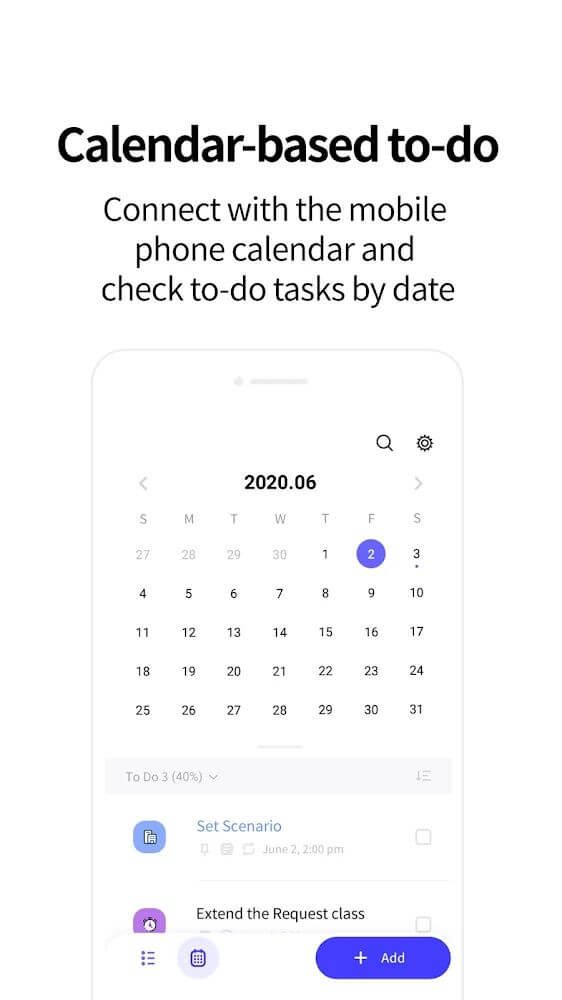
LockScreen Calendar – Schedule is a productivity app that puts your daily agenda right where you will see it most: on your lock screen. Instead of digging through a separate planner, you can glance at your phone and immediately know which tasks are due, what has been completed, and what still needs your attention. The app combines a clean calendar view with flexible task management, icon-based categories, and reminder options, so both light users and busy schedulers can organize their day without friction.
Features
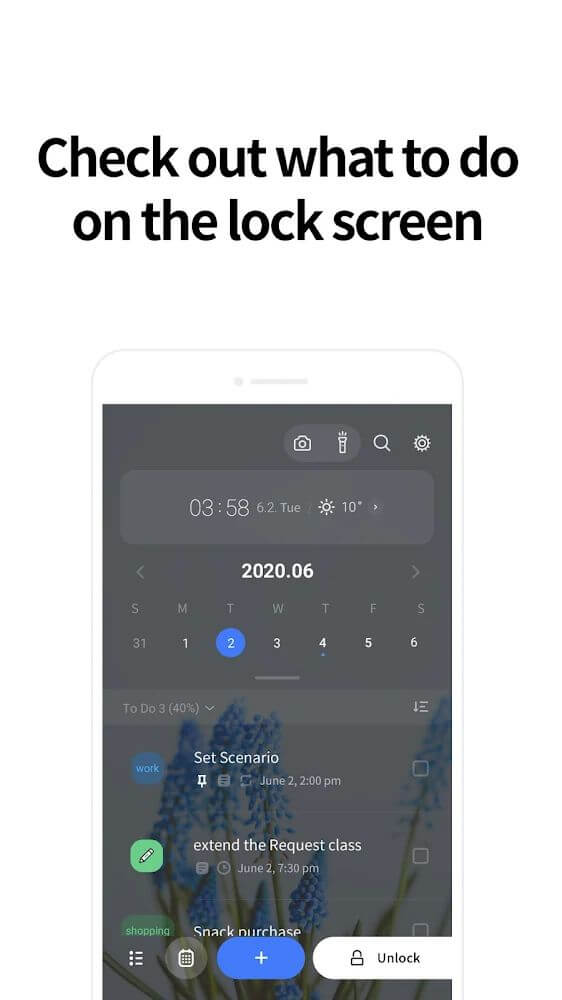
- Lock screen visibility keeps your current tasks and daily schedule in front of you every time you wake your device, so nothing important slips past unnoticed during a busy morning or a quick check between meetings.
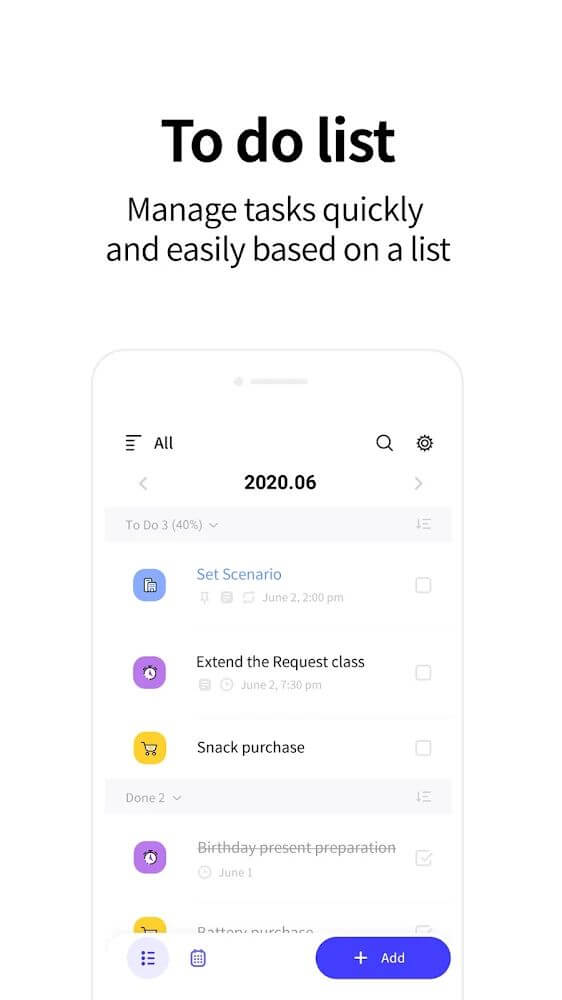
- Task management lets you create, edit, prioritize, and mark items as completed, giving you a clear picture of progress while encouraging you to push through the remaining work on your list.
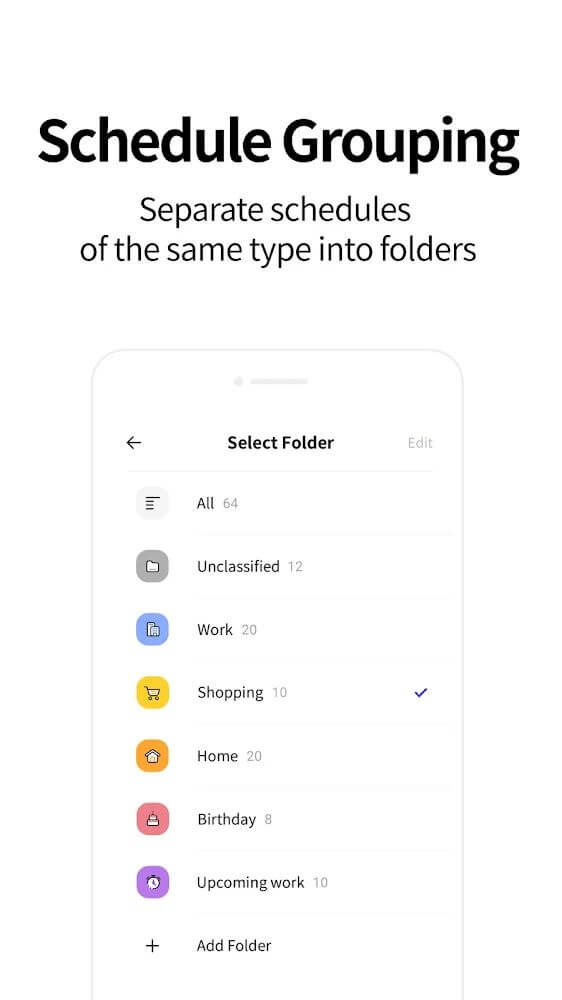
- Icon-based categories assign visual markers to tasks by topic, making it easy to scan your day and jump back into the same type of work when you have spare time to fill.
- Flexible reminders can be scheduled ahead of a task's due time, ensuring you are prepared well in advance for appointments, deadlines, and other essential commitments you cannot afford to miss.
- Lunar calendar support displays both standard and lunar dates together, which is especially helpful for users who track traditional holidays, family events, and cultural occasions alongside regular plans.
- Display customization options let you adjust the theme and font size so the information on your lock screen stays readable and comfortable no matter your device or personal preference.
How to Use
- Install LockScreen Calendar – Schedule from the store, open it for the first time, and grant the lock screen and notification permissions it requests so reminders and task previews can appear correctly.
- Add your first tasks by tapping the add button, entering a title, choosing a date and time, and picking an icon or category that matches the type of work you need to complete.
- Set a reminder offset for important items, such as ten minutes or one hour before the due time, so you receive a heads-up while there is still time to prepare.
- Open the settings menu to choose a theme, adjust the font size, and enable always-on lock screen visibility so your schedule does not disappear or reset unexpectedly.
- Review your calendar each morning, mark finished tasks as completed, and reschedule anything that slipped so your lock screen always reflects an accurate, up-to-date plan.
Tips
- Group similar tasks under the same icon so you can batch related work together and move through your list faster when you have a free block of time.
- Use priority levels for deadlines and appointments, reserving lower priorities for flexible chores that can shift to another day without causing stress.
- Keep the lock screen widget minimal by hiding completed tasks, so the preview shows only what still needs action and stays easy to read at a glance.
- Set reminders earlier for tasks that require preparation, such as travel or meetings, giving yourself a buffer instead of a last-minute alert.
- Check the lunar calendar view before planning family or cultural events, since combining both date types in one place prevents double bookings.
Review
- LockScreen Calendar – Schedule fills a genuinely useful niche by surfacing your agenda on the lock screen, which reduces the habit of unlocking the phone and getting distracted by other apps.
- The task creation flow is quick and intuitive, and the icon-based categories make a dense schedule surprisingly easy to scan during a busy day.
- Reminder scheduling ahead of due times works well for people who tend to forget commitments, and the lunar calendar support adds real value for regional users.
- Display settings for theme and font size are a thoughtful touch, though new users should take a moment to configure lock screen visibility to get the full benefit.
- Overall, it is a dependable, lightweight productivity companion for anyone who wants their daily plan visible without opening a separate planner app.
Similar Apps
- Google Calendar offers robust event scheduling, shared calendars, and cross-device sync, making it a strong alternative if you need collaboration features beyond personal task tracking.
- Todoist focuses on task lists with projects, labels, and natural language input, appealing to users who want deeper organization than a simple daily agenda provides.
- Microsoft To Do combines task lists with reminders and a daily planner view, and it integrates smoothly with other Microsoft productivity tools you may already use.
- Any.do pairs a clean task manager with a calendar view and reminder system, offering a similar balance of simplicity and scheduling for everyday personal use.
- Business Calendar 2 delivers a feature-rich calendar experience with widgets and agenda views, suitable for users who prefer a traditional calendar-first approach.











Comments (0)
No comments yet. Be the first!