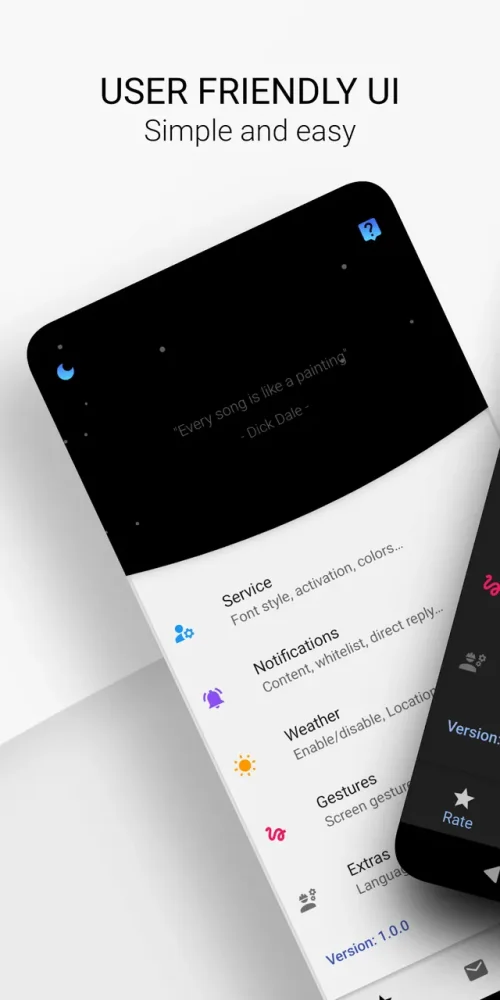
Muzia: Music on Display turns your phone's standby screen into a lively control center, letting you manage playback, glance at notifications, and check the time without ever waking the device. Instead of hopping between apps just to skip a track or read a message, you get everything surfaced right on the Always-On Display. Whether you care most about music or simply want to cut down on unnecessary unlocks, Muzia reshapes how your screen behaves when it is idle.
Features
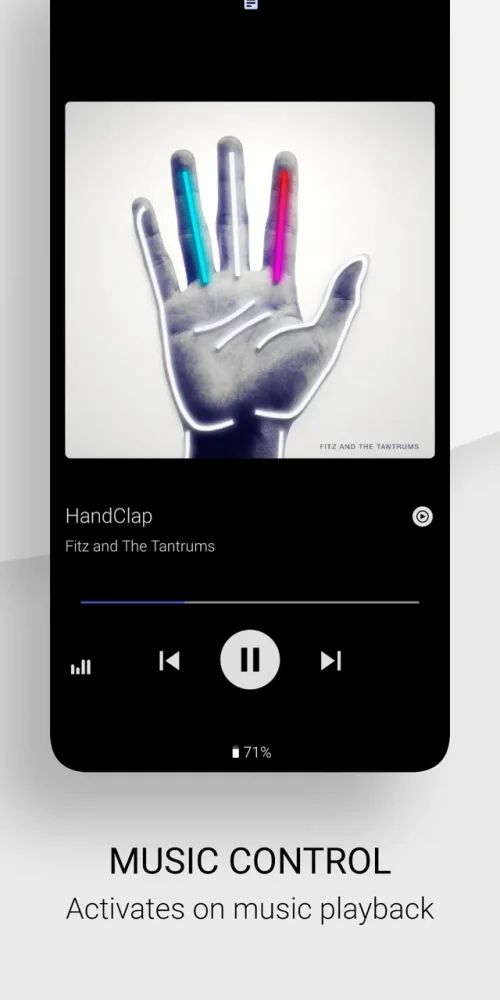
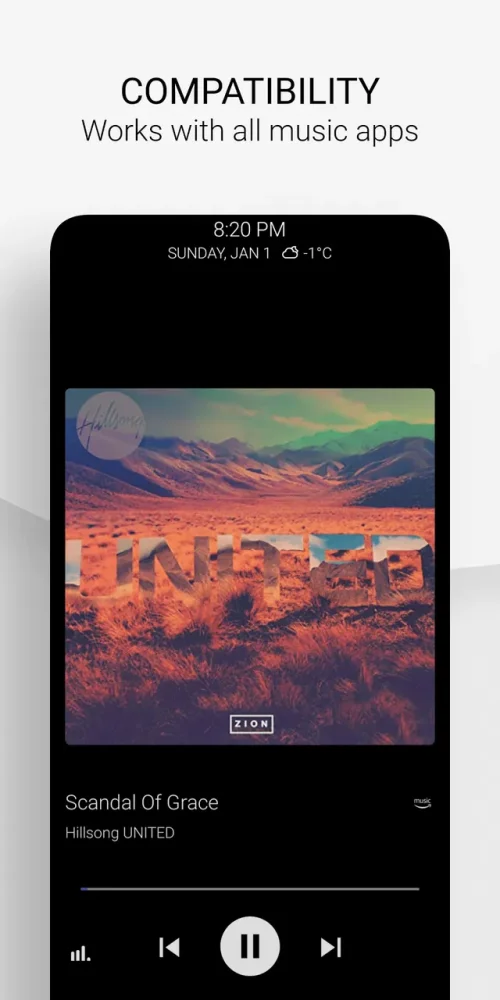
1. Always-On music controls keep track titles, artist info, and playback buttons visible on your standby screen so you can pause, skip, or resume without unlocking the phone.
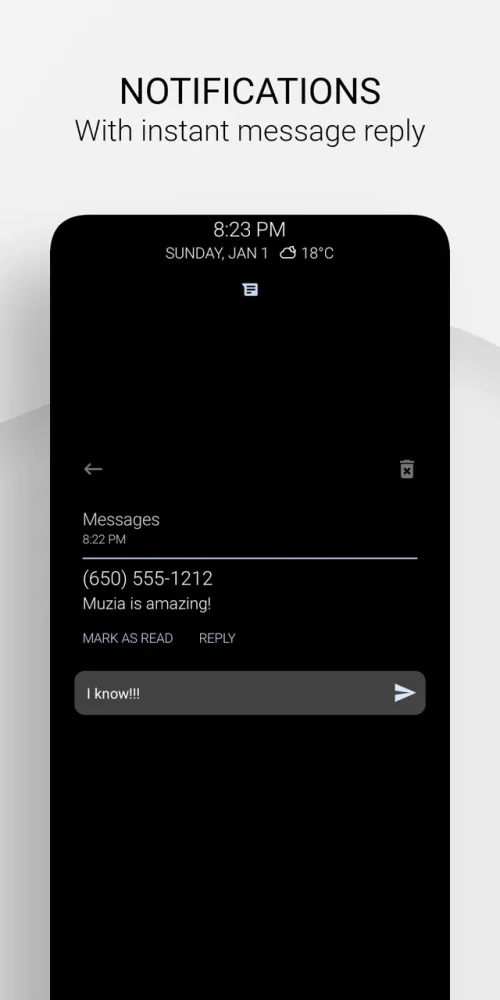
2. Quick notification previews surface incoming messages and alerts directly on the display, letting you decide at a glance whether something deserves your full attention.
3. A built-in clock and status readout turn the idle screen into a practical dashboard, so checking the time or battery no longer means waking the device.
4. Smart driving-oriented mechanics keep essential controls within easy reach while you are behind the wheel, reducing the need to fumble with your phone in traffic.
5. Extensive visual customization lets you match the display style to your taste, from layout choices to accent details, so the standby screen feels like part of your personal setup.
6. The Pro Unlocked version in v1.4.0 removes feature restrictions, giving you the full set of display options and interactive tools from the moment you install.
How to Use
1. Install the Muzia: Music on Display APK on your Android device and open the app to walk through the initial setup screens.
2. Grant the permissions Muzia requests, including notification access and display-over-other-apps, since these are required for the Always-On features to function.
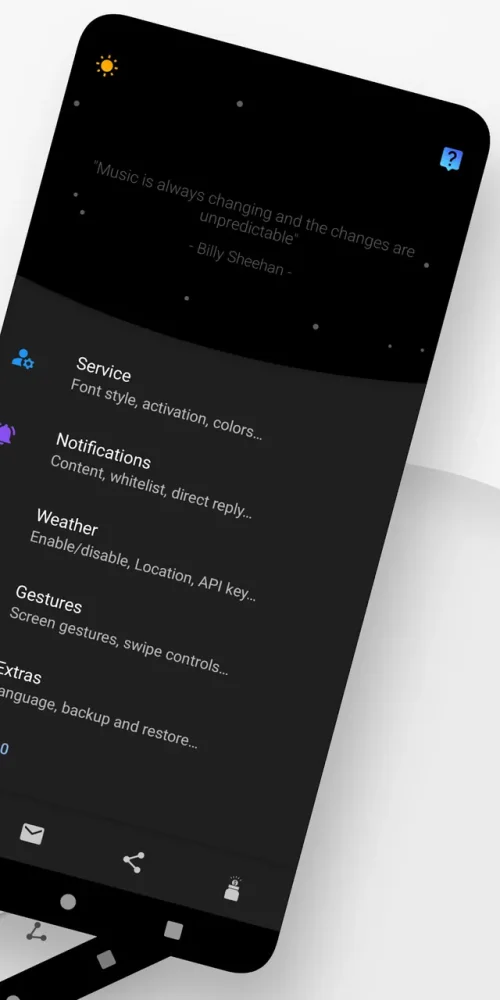
3. Pick a display layout and theme from the customization menu, then adjust which elements appear, such as music controls, clock, or notification cards.
4. Start playing music in your preferred player and lock the screen; the Muzia display should now show playback controls you can tap directly.
5. Fine-tune notification filtering so only the alerts you care about appear on the standby screen, keeping the display clean and readable.
Tips
1. Keep the number of visible notification types small at first, then add more as you get comfortable, since a crowded Always-On screen defeats the purpose of quick glances.
2. Choose darker themes and lower brightness for the idle display to reduce battery drain during long sessions of standby use.
3. Test the music controls with your main player before relying on them daily, as some apps handle external media buttons differently.
4. Use the driving-friendly layout when you commute so the most important controls sit where your thumb naturally reaches.
5. Revisit the customization menu after updates like v1.4.0, since new layout options and refinements often appear with each release.
Review
1. Muzia: Music on Display fills a genuinely useful niche by making the standby screen interactive rather than purely decorative, and the music controls respond reliably in everyday use.
2. The notification previews strike a good balance, showing enough detail to judge urgency without exposing full message contents on a screen anyone nearby can see.
3. Customization depth is a highlight; the range of layouts and visual styles means the display rarely feels generic, though new users may spend a while exploring the options.
4. Battery impact is modest with sensible settings, but heavy always-on usage with bright themes will draw more power, so tuning brightness is worth the effort.
5. Overall, the Pro Unlocked build of v1.4.0 delivers a polished, time-saving experience for anyone who checks their phone constantly for music and messages.
Similar Apps
1. Always On AMOLED offers a broad set of standby screen tools with clock faces, notifications, and edge lighting, appealing to users who want deep display customization.
2. AODNotify focuses on alert lighting around the screen edge for incoming notifications, a lighter alternative if you mainly want visual cues rather than full media controls.
3. Musicolet is a local music player with a clean interface and lock-screen controls, useful for listeners who prioritize offline playback over display integration.
4. Pixel Pulse brings notification pulses and ambient display styling to a wider range of devices, similar in spirit to Muzia's glanceable approach.
5. Glimpse Notifications wakes the screen for selected alerts, a simple companion for anyone who wants more control over what interrupts the standby state.











Comments (0)
No comments yet. Be the first!