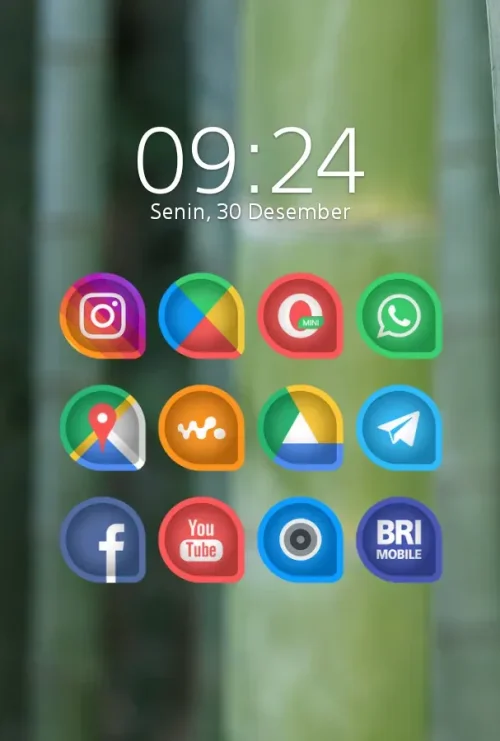
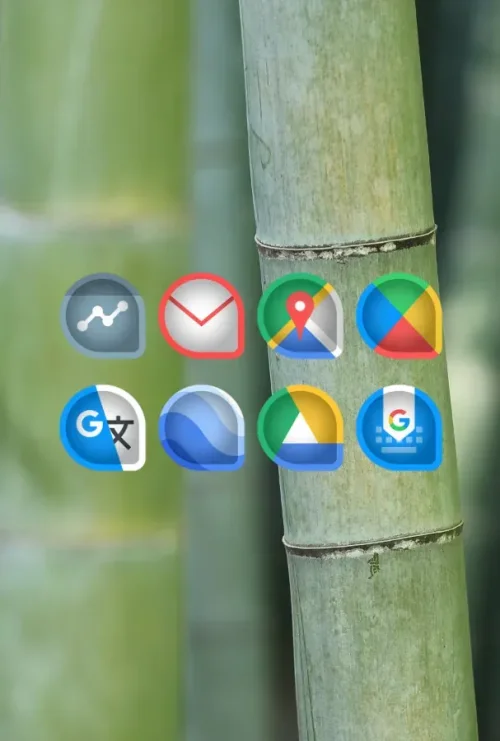
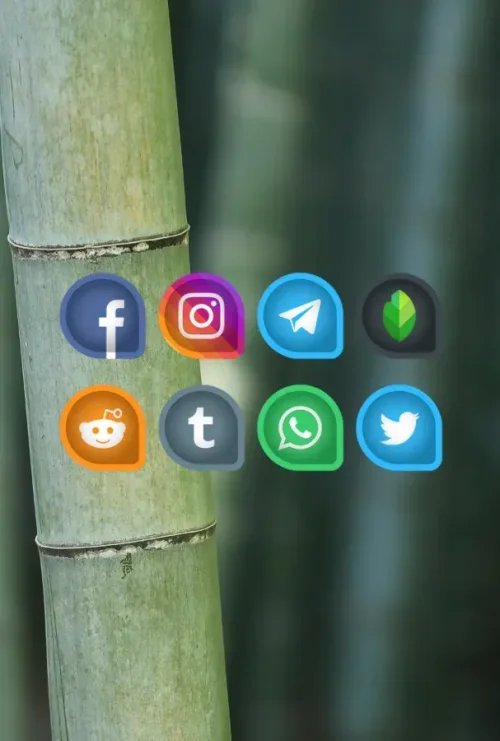
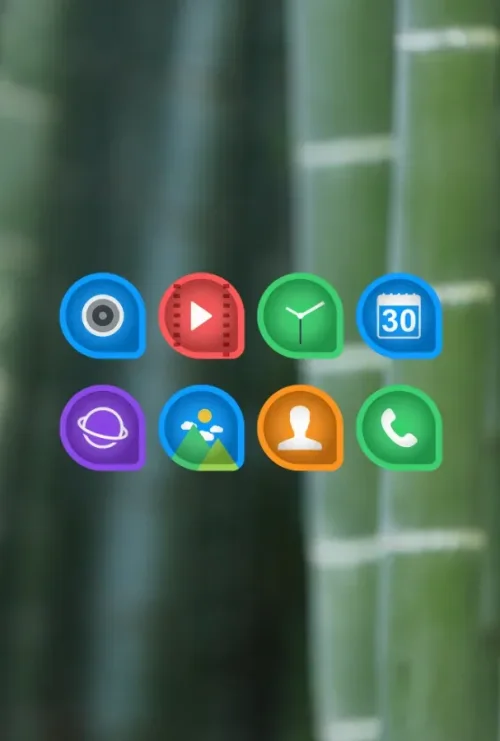
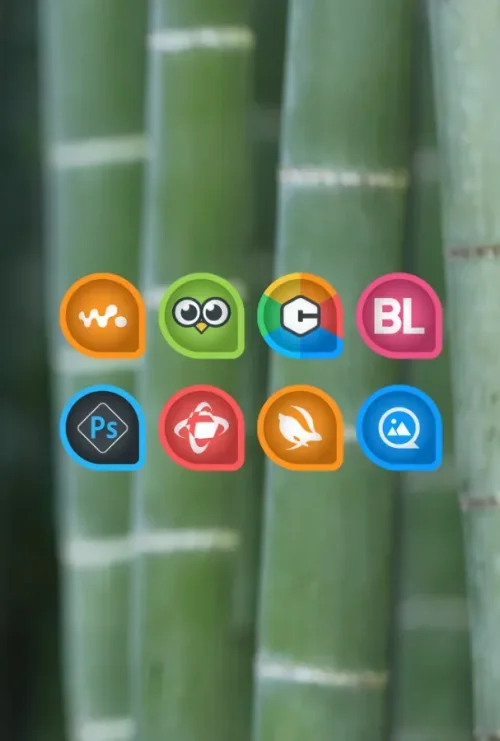
Dropicon Cut – Icon Pack gives your Android home screen a fresh identity with more than 5,000 waterdrop-shaped icons built from crisp vector graphics. If the usual mix of circles, squares, and rounded rectangles feels stale, this pack replaces it with a sleek, uniform droplet silhouette that looks modern and elegant at any size. Bold color pairings and artistic detailing help every icon stand out while still feeling part of one cohesive set, so your layout reads as deliberate rather than cluttered. Whether you are setting up a brand-new phone or simply refreshing an old favorite, Dropicon Cut – Icon Pack makes the process quick, and the result looks polished and professional.
Features
1. A library of over 5,000 distinct droplet-shaped icons covers popular apps, system tools, and games, giving you a deep pool of themed graphics to draw from when building a complete home screen.
2. Bright, bold color combinations and eye-catching artistic designs set the pack apart from generic minimal themes, letting each icon carry personality while the shared waterdrop shape keeps the overall layout visually consistent.
3. High-quality vector graphics keep every icon sharp on high-density displays, so edges stay clean and colors remain vivid whether you view them on a small phone screen or a larger tablet panel.
4. Broad launcher compatibility includes Nova, Action, Apex, ADW, and many other popular launchers, which means most users can apply the pack without switching to a new home screen app.
5. An Icon Request feature lets you ask the developers to create themed versions of apps that are not yet covered, so the collection can grow along with the apps you actually use every day.
6. A selection of waterdrop-themed wallpapers is available from the cloud, giving you matching backgrounds that complete the look and save time hunting for images that fit the style.
How to Use
1. Install a compatible launcher such as Nova, Action, Apex, or ADW from the Play Store, since the icon pack needs a launcher that supports third-party icon themes to work properly.
2. Open Dropicon Cut – Icon Pack and browse the icon gallery to preview the droplet designs, so you know what the set looks like before you commit to applying it across your home screen.
3. Tap the Apply section inside the app and choose your launcher from the list, then confirm the prompt so the new droplet icons replace the default ones in one step.
4. For apps without a themed icon, use the Icon Request option to submit the app name to the developers, and check back after updates to see whether your request has been fulfilled.
5. Finish the setup by picking a matching waterdrop wallpaper from the cloud collection, then arrange your home screen grid so the uniform icon shapes line up neatly.
Tips
1. Apply the pack to a single home screen page first and compare it with your existing layout, which makes it easy to judge whether the droplet style suits your wallpaper and widget choices.
2. Group apps with similar color families on the same page so the bold palette of the icons feels intentional, and place neutral or dark icons between them to create visual breathing room.
3. Keep your launcher and the icon pack updated, because new app releases and launcher changes can affect how themed icons render on your device.
4. Use the Icon Request feature for any app you open daily, and submit requests in small batches so the developers can process them without losing track of what you need.
5. Pair the icons with a wallpaper that shares the same color accents, which ties the whole home screen together and makes the waterdrop shapes feel like part of one design.
Review
1. Dropicon Cut – Icon Pack succeeds at what an icon pack should do: it gives an Android phone a clear visual identity without requiring root access or complicated setup steps.
2. The waterdrop silhouette is the strongest idea here, since a single consistent shape makes even a crowded home screen look organized while the varied colors keep it from feeling flat.
3. Launcher support is generous enough for most users, and the one-tap apply flow means you can try the pack, decide whether you like it, and revert quickly if it is not for you.
4. The Icon Request option and cloud wallpapers add practical value beyond the icon set itself, though coverage for niche apps may lag behind the most popular titles until future updates.
5. Overall, this is a solid choice for anyone who wants a modern, uniform home screen with a bit of artistic flair, and it is easy to recommend to users who enjoy customizing their devices.
Similar Apps
1. Whicons offers a clean white icon set with a minimal aesthetic, which suits users who prefer a monochrome look over the bold colors found in Dropicon Cut – Icon Pack.
2. Delta Icon Pack provides a flat, geometric style with consistent shapes, making it a good alternative for anyone who likes uniform icons but wants a different silhouette.
3. Flight Light is a lightweight icon pack with a soft, airy design, and it appeals to users who want a subtle theme that does not compete with their wallpaper.
4. Pixly Icon Pack delivers colorful, detailed icons with a playful tone, which works well for people who enjoy expressive graphics similar in spirit to the droplet designs here.
5. Viral Icon Pack focuses on a rounded, friendly style with broad app coverage, giving users another option for a cohesive home screen without changing launchers.











Comments (0)
No comments yet. Be the first!