TiviMate IPTV Player brings your subscribed IPTV service onto your Android phone or tablet in a polished, easy-to-navigate interface, so you can enjoy live channels, schedules, and recordings wherever an internet connection is available. This release is version 4.6.1, weighs 19M, and uses the package name ar.tvplayer.tv; because it has been re-signed, it will not install as an update over an official store copy. Note that TiviMate is a management app for IPTV services and does not supply any channels itself, so valid provider credentials are required before anything can be watched.
Features
1. Premium Unlocked build: This 4.6.1 release opens the full set of management and playback tools, letting you explore advanced playlist handling, recording options, and profile controls without the usual free-version limits.
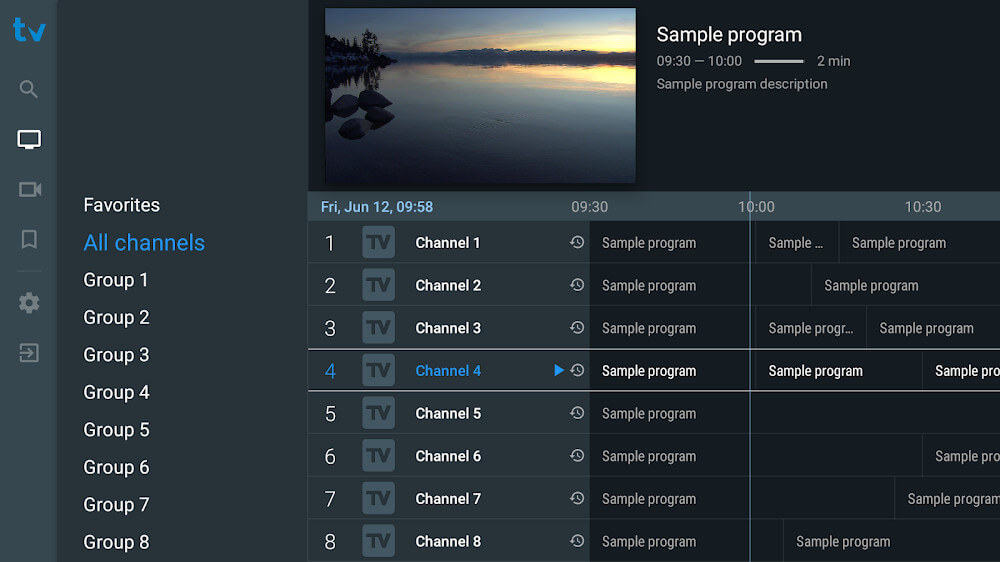
2. Playlist organization: You can reorder, group, and hide channels exactly as you like, turning a sprawling provider list into a tidy personal media center that keeps your most-watched streams within easy reach.
3. Individual profiles: Separate profiles let each household member keep their own favorites, watch history, and recommendations, and you can protect any profile with a password for extra privacy.
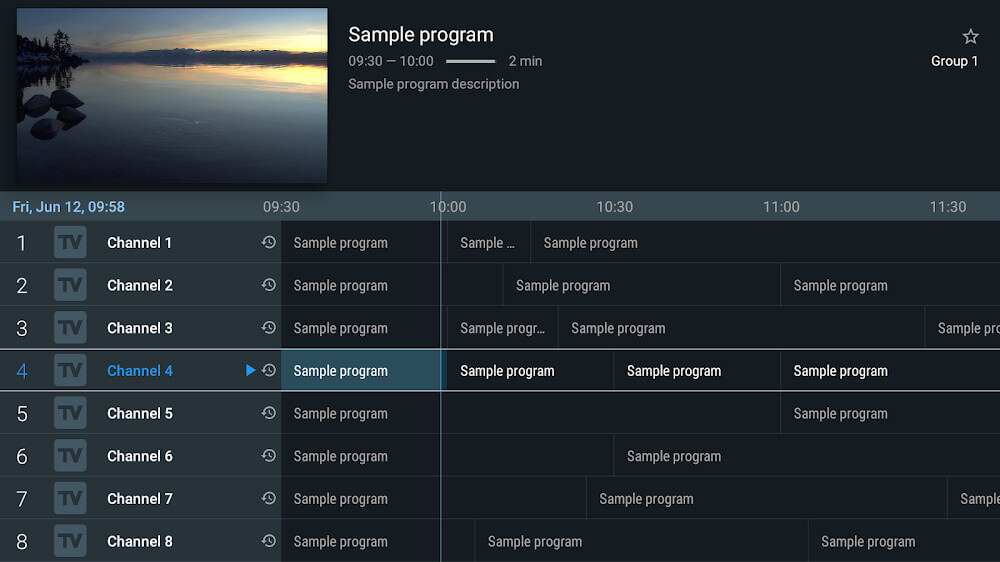
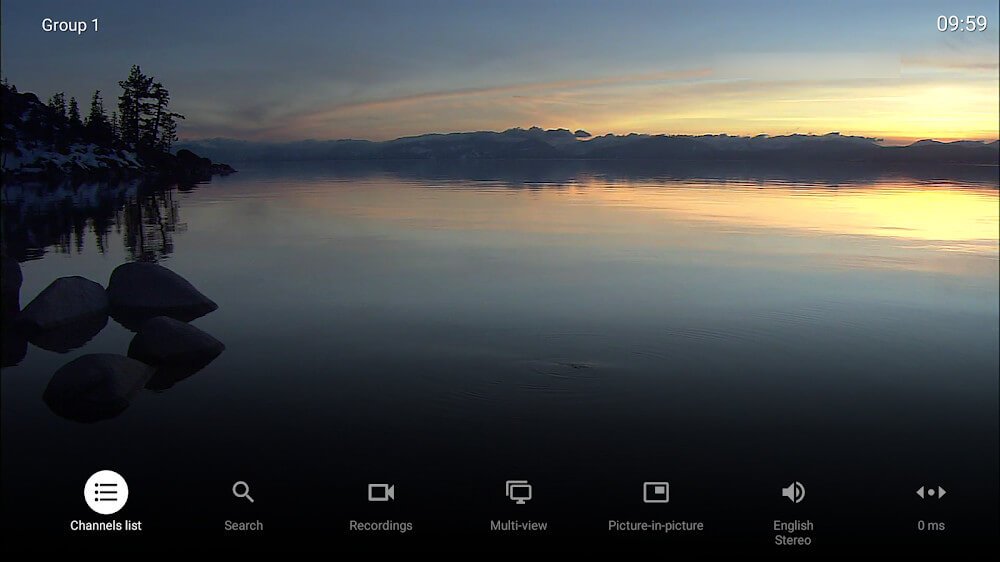
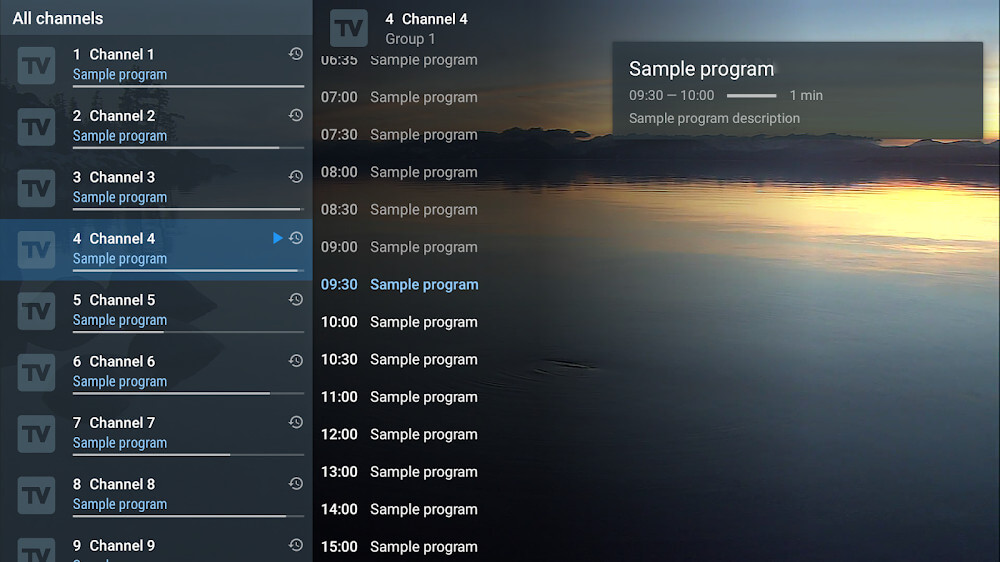
4. Program guide and reminders: A detailed schedule shows what is airing later, and saving a show to Favorites triggers a notification before it starts so you never miss a kickoff or a season premiere.
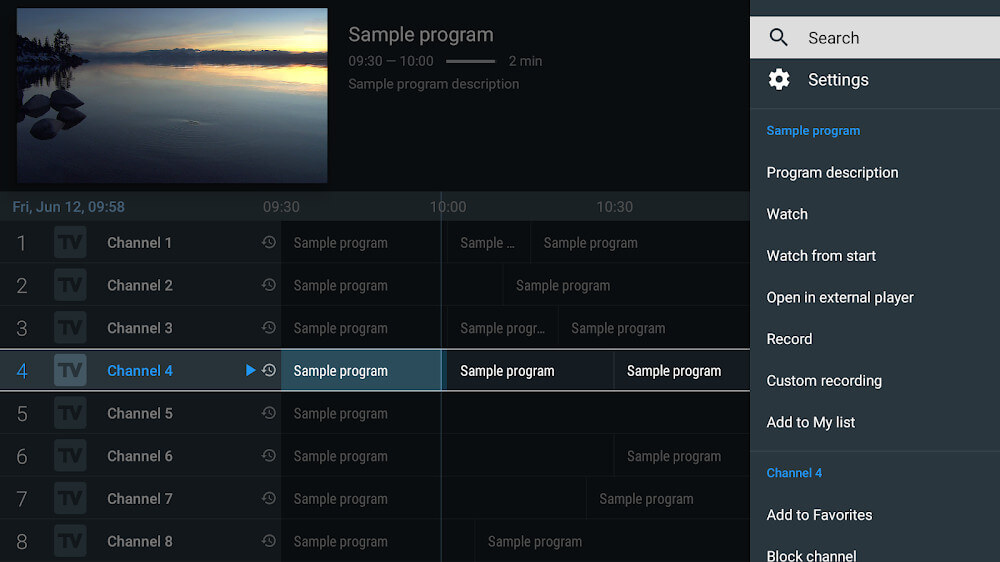
5. Recording and casting: Capture broadcasts to watch later, send live or recorded content to a larger screen, and play back your saved recordings offline when you are away from a stable connection.
How to Use
1. Install the file: Download the 19M APK and allow installation from your browser or file manager; if you previously had the official version, uninstall it first to avoid a signature conflict.
2. Add your provider: Open the app, choose to add a playlist, and enter the credentials or M3U details supplied by your IPTV subscription, then let the app pull in the channel catalog.
3. Follow the setup guide: The built-in walkthrough helps resolve common configuration hiccups during first launch, after which the full content library becomes available to browse.
4. Arrange your content: Group channels into categories, pin favorites to the top, and create a profile for each person who shares the subscription so everyone's preferences stay separate.
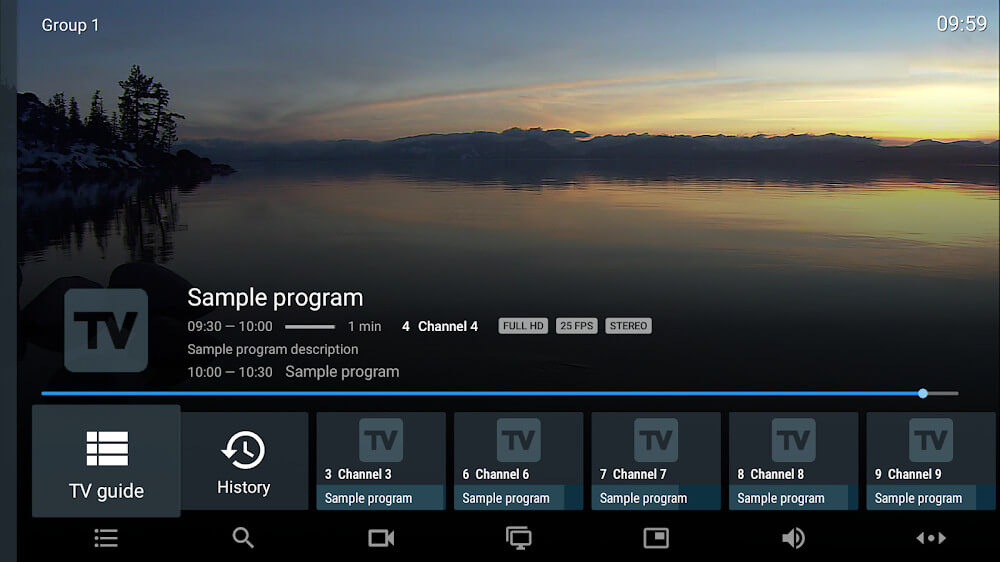
5. Start watching: Tap any channel to begin playback, open the guide to check upcoming programs, set reminders, or schedule a recording for a show you cannot catch live.
Tips
1. Test your connection first: A stable Wi-Fi or mobile data link is essential since no linked content plays offline; if streams buffer, lower the quality setting or switch networks before troubleshooting the app itself.
2. Keep playlists lean: Hiding unused groups and channels speeds up loading and makes the guide far easier to scan, especially when your provider supplies thousands of entries.
3. Use reminders wisely: Save only the shows you genuinely plan to watch to Favorites, otherwise notification alerts pile up and the feature loses its usefulness.
4. Record ahead of time: Schedule recordings before a broadcast begins rather than during it, and check available storage so longer events do not fail partway through.
5. Verify premium behavior after install: Since this build is re-signed, open the export or playback screens once to confirm unlocked features such as watermark removal are active on your device.
Review
1. TiviMate IPTV Player earns its reputation as one of the cleaner IPTV front ends on Android, pairing an elegant list-based layout with genuinely useful tools for sorting hundreds of channels without feeling overwhelmed.
2. The profile system stands out in shared households, keeping favorites and history apart per person, while the guide, reminders, and recording options mirror what you would expect from a set-top box.
3. Its 3.6 rating from roughly 218 users reflects a solid but not flawless experience; occasional setup friction and the need for a paid provider subscription keep it from being plug-and-play.
4. Remember this is a player, not a content source, and the re-signed 4.6.1 package means clean installs only, so back up your configuration before switching builds.
Similar Apps
1. IPTV Smarters Pro: A widely used player that supports multiple playlist formats and offers a straightforward layout for managing live TV, VOD, and series from your provider.
2. Perfect Player: A classic IPTV client with a customizable on-screen guide and simple playlist import, favored by users who prefer a lightweight, no-frills interface.
3. XCIPTV Player: A feature-rich alternative with built-in EPG support, parental controls, and a modern grid interface that suits larger channel lineups.
4. OTT Navigator: Known for deep customization and flexible sorting of streams, it appeals to users who want granular control over how their playlist is displayed.
5. Kodi: A broader media center that can handle IPTV through add-ons, useful if you want live TV alongside local files and other streaming sources in one place.











Comments (0)
No comments yet. Be the first!