Carista OBD2 is an Android app from Prizmos Ltd. that turns your phone into a practical window into your car's electronic systems, letting you read fault codes, watch live sensor data, and adjust comfort settings that are usually locked away behind dealership tools. This build is version 10.8.7, uses the package name com.prizmos.carista, and ships with Pro Unlocked so the advanced diagnostics and customization menus are available from the first launch. Because it is a re-signed package, it will not install as an update over the store version, so plan a clean install if you already have the official release on your device.
Features
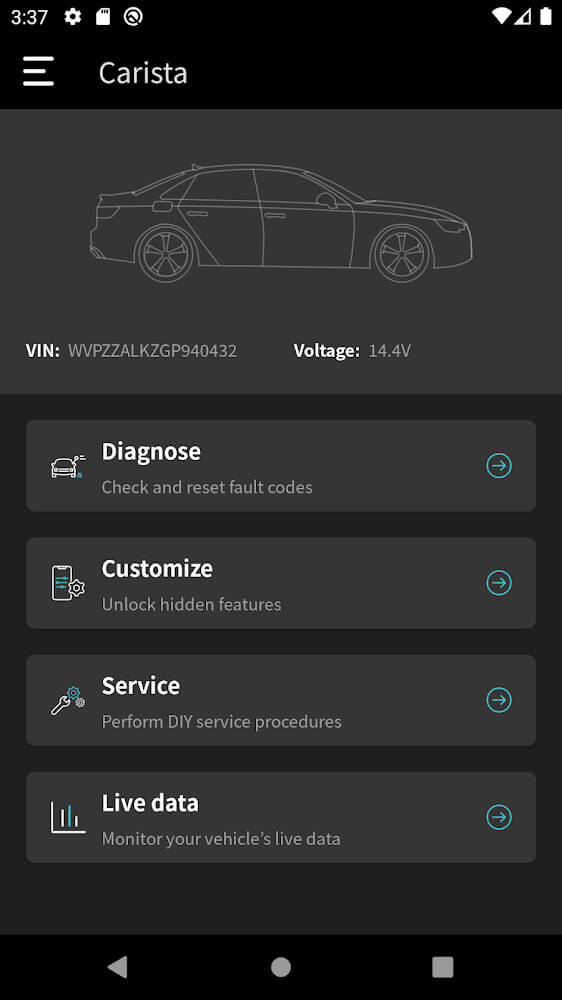
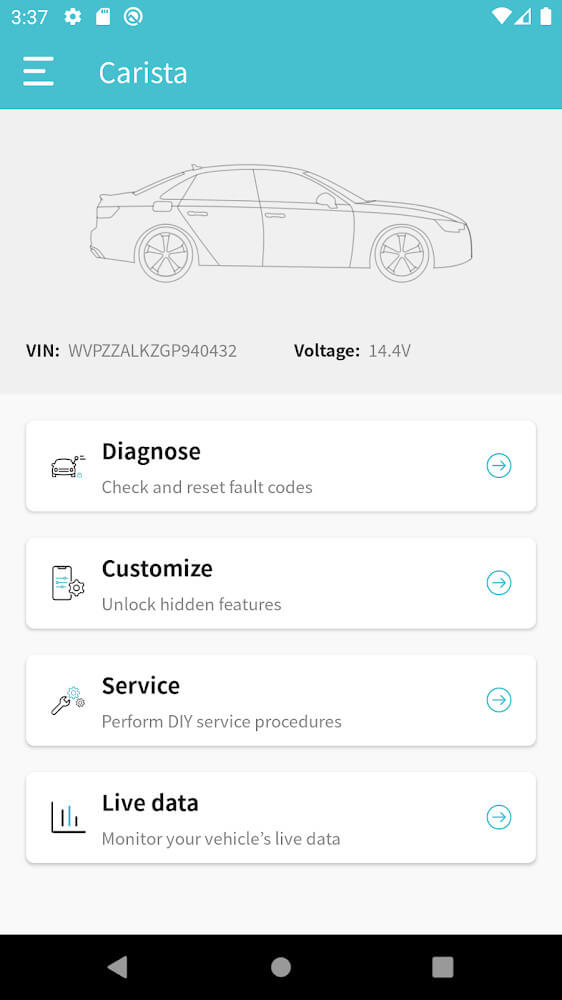
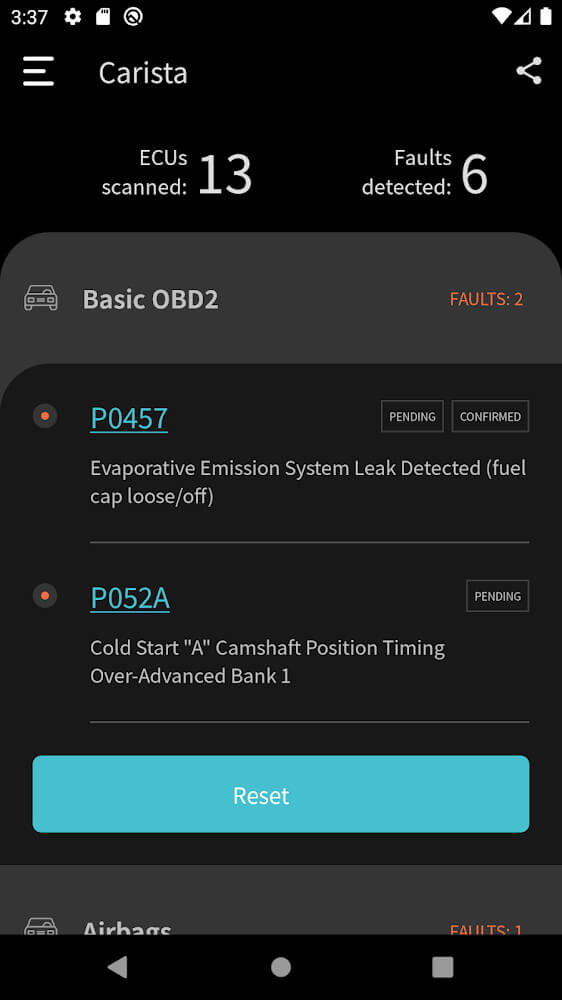
1. Comprehensive fault scanning reads trouble codes from engine, ABS, airbag, and other control modules, then explains what each code means in plain language so you understand the problem before visiting a shop.
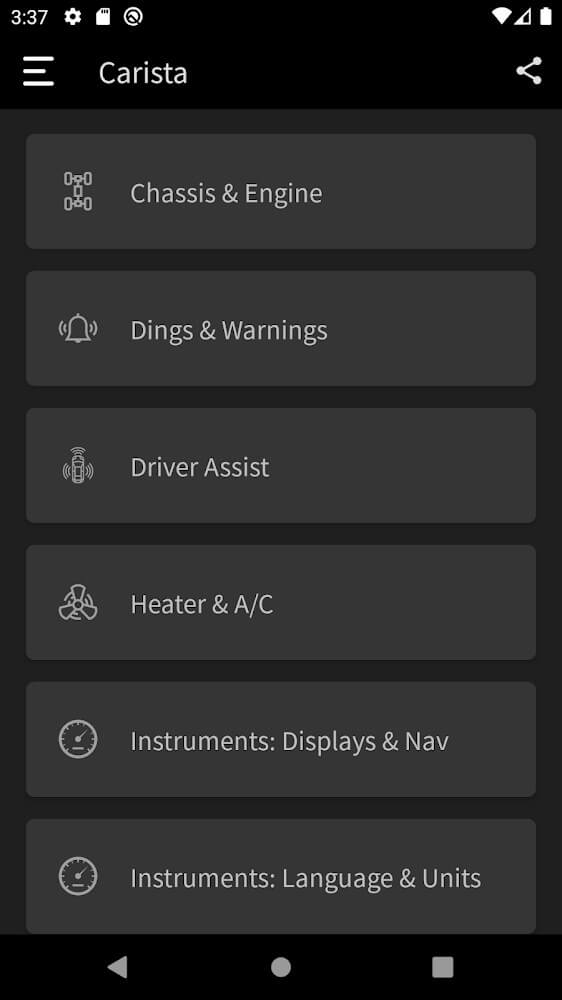
2. Live data streaming shows real-time values such as RPM, coolant temperature, battery voltage, and sensor readings on an interactive dashboard, giving you a clear performance picture even when you are away from the vehicle.
3. Customization menus let you change convenience and comfort behaviors, including locking, lighting, windows, and climate responses, so the car behaves the way you prefer instead of the way it left the factory.
4. Module-level detail reports list the components fitted to your vehicle, which is genuinely useful when inspecting a used car or confirming that a seller's description matches reality.
5. Pro Unlocked in this version opens the full diagnostic and personalization set without a subscription prompt, and the app supports a wide range of economy and luxury brands including Audi, BMW, Infiniti, Lexus, and MINI.
How to Use
1. Pair a compatible OBD2 Bluetooth adapter with your phone, then plug it into the diagnostic port under the dashboard and switch the ignition on so the vehicle's modules are powered.
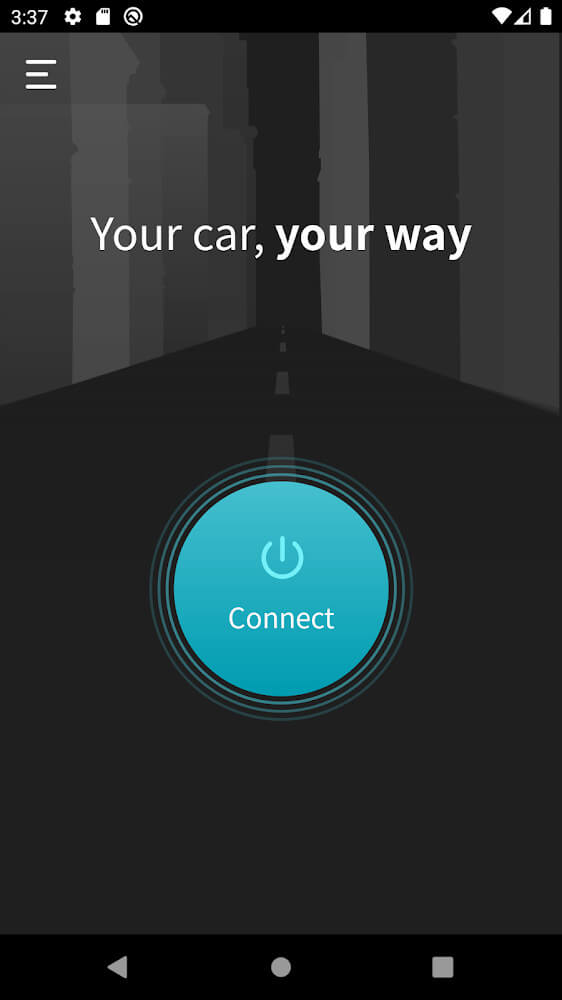
2. Install the 80M APK from this page, open Carista OBD2, and grant the Bluetooth and location permissions the app requests, since Android needs them to discover nearby adapters.
3. Let the app identify your vehicle automatically, then run a full scan to collect stored and pending codes before you change any settings.
4. Review the reported faults and live values first, then move to the customization section and apply changes one at a time so you can confirm each result.
Tips
1. Keep the engine running or connect a charger during long coding sessions, because a voltage drop mid-write can leave a module in an awkward state.
2. Save or screenshot your original settings before customizing anything, so you can restore factory behavior if a change does not suit you.
3. Clear codes only after you have written them down or exported them, since the history is often more useful to a mechanic than the current snapshot.
4. Test one modification per session and drive the car briefly afterward, which makes it easy to trace any odd behavior back to a specific change.
Review
1. Carista OBD2 earns its reputation by making dealership-level diagnostics readable for ordinary owners, and the live data view is the feature most users open first.
2. The customization options are the real draw, letting you remove small daily annoyances such as chimes and locking quirks without paying a shop for a coding session.
3. Support coverage is broad across Audi, BMW, Infiniti, Lexus, and MINI, though depth varies by model year, so check compatibility for your specific car before relying on it.
4. With Pro Unlocked in version 10.8.7, the value is strong for DIY owners, but treat it as a diagnostic assistant rather than a replacement for professional inspection on safety systems.
Similar Apps
1. Torque Pro focuses on live gauges and performance logging, making it a good companion if you mainly want real-time telemetry rather than comfort coding.
2. OBD Auto Doctor offers readable diagnostics and emissions readiness checks, which suits owners who want simple fault reading without deep customization menus.
3. Carly pairs a similar coding concept with its own branded adapter, appealing to users who prefer a single supported hardware and software bundle.
4. OBDeleven targets Volkswagen Group vehicles with long-coding support, a strong alternative if your garage is mostly VW, Audi, or Skoda models.











Comments (0)
No comments yet. Be the first!