iWriter is a clever Android tool that transforms your typed text into convincing, realistic handwriting in seconds, making it ideal for students, researchers, and professionals who need handwritten essays, reports, or assignments without the physical effort. With version 0.16.2 and premium features unlocked, this app blends the speed of digital typing with the personal feel of pen on paper, letting you choose fonts, paper styles, ink colors, and layout details to produce documents that look genuinely hand-written.
Features
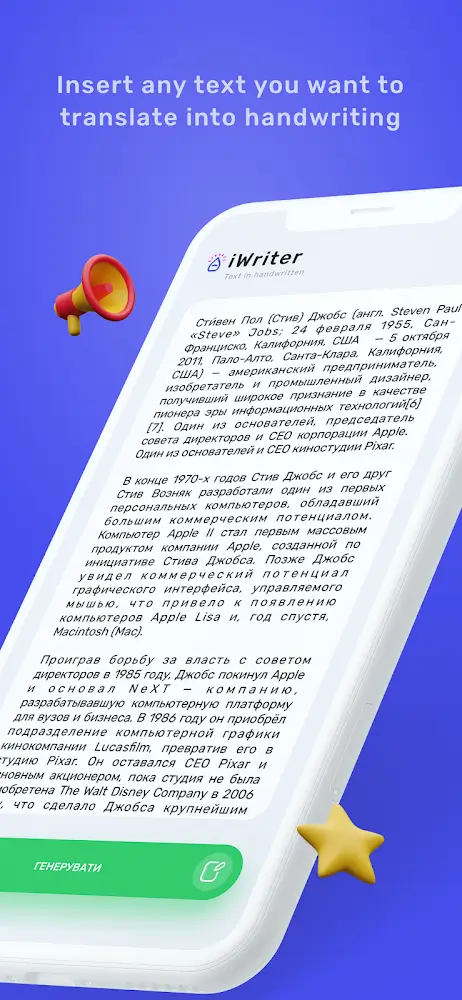
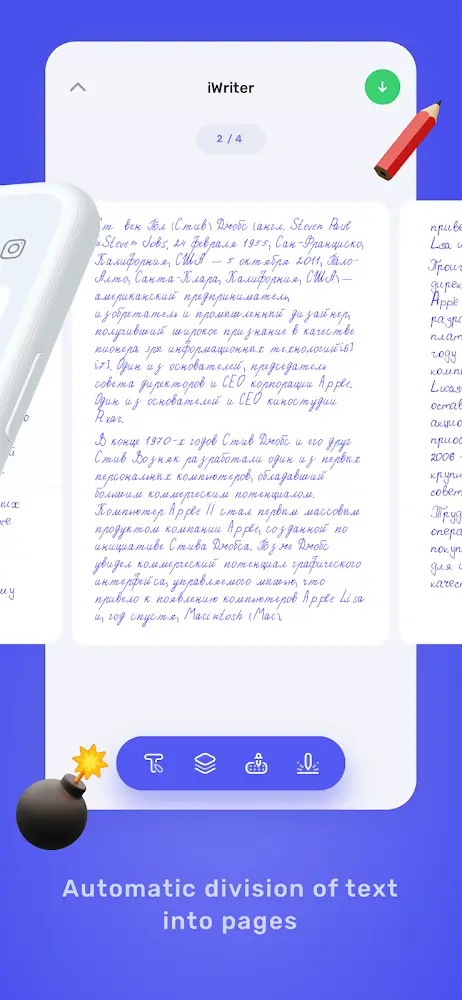
1. Instant text-to-handwriting conversion turns any typed or pasted document into a full handwritten page within seconds, saving you hours of manual copying before a deadline.
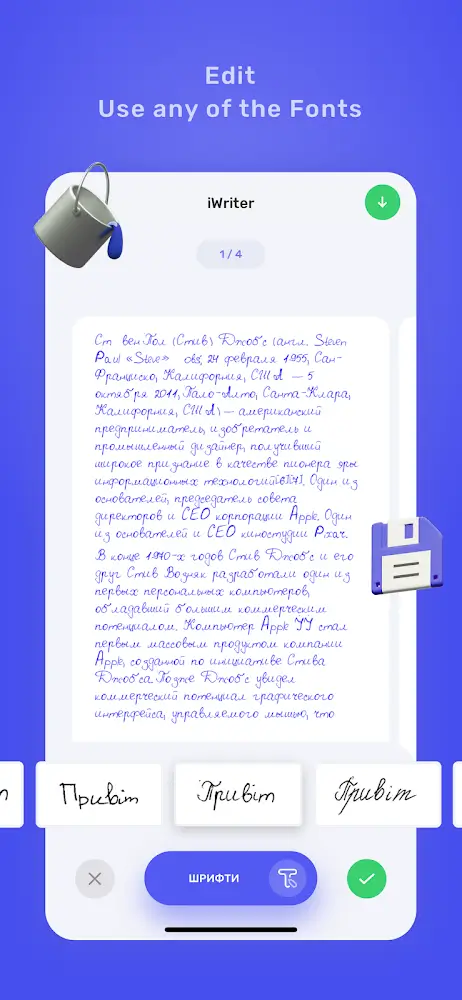
2. An extensive font library offers everything from neat professional cursive to casual student-style print, so you can match the handwriting style expected for any submission.
3. Premium paper options include ruled notebooks, graph paper, checkered sheets, and plain white A4, giving your output the correct layout for essays, lab reports, or notes.
4. Realistic ink simulation lets you pick classic ballpoint blue, deep black, or vibrant red, ensuring your document meets specific color requirements from teachers or employers.
5. Smart layout adjustments control line spacing, margin sizes, and character variation, adding natural imperfections that make the writing look genuinely human rather than robotic.
6. High-resolution exporting saves your work as crystal-clear PDF or JPG files, perfectly optimized for online submission platforms, email attachments, or direct printing.
How to Use
1. Open iWriter and paste or type your essay, report, or notes directly into the user-friendly editor, then review the text for any final corrections before conversion.
2. Select a handwriting font from the library and choose a paper style such as ruled, graph, or plain A4 to match the format your assignment requires.
3. Adjust ink color, line spacing, margins, and character variation sliders until the writing looks natural and consistent with real pen-on-paper work.
4. Preview the generated pages, tweak any settings that look too uniform, and optionally simulate scanned-document lighting and shadows for extra authenticity.
5. Export your finished document as a high-resolution PDF or JPG, then share it directly to teachers, professors, or colleagues via email or cloud storage.
Tips
1. Slightly increase character variation and spacing randomness so the handwriting avoids a perfectly uniform look that can appear machine-generated to careful readers.
2. Match the font style to the context, using neat cursive for formal essays and casual print for personal notes, since mismatched handwriting can raise suspicion.
3. Choose paper textures and ink colors that fit the submission requirements, and keep the same style across multiple pages for a consistent document.
4. Use the scanned-document shadow simulation sparingly when submitting photos or PDFs, as subtle lighting effects add realism without looking artificial.
5. Always proofread the converted text carefully, because layout adjustments and font rendering can occasionally shift punctuation or line breaks in unexpected ways.
Review
1. iWriter delivers on its core promise impressively, converting long essays into believable handwritten pages in seconds, which makes it a genuine time-saver for students facing tight deadlines.
2. The font library and paper options are broad enough for most academic needs, and the premium unlocked version removes restrictions, giving full access to styles and exports.
3. Realism is strong thanks to adjustable spacing, margins, and ink colors, though users should still fine-tune settings to avoid overly uniform output.
4. Export quality in PDF and JPG is crisp and submission-ready, and the sharing options integrate smoothly with email and cloud services for quick delivery.
5. Overall, iWriter is a reliable, easy-to-use productivity tool that balances digital speed with traditional presentation, earning a solid recommendation for anyone needing handwritten documents fast.
Similar Apps
1. Handwriting Creator offers similar text-to-handwriting conversion with a variety of fonts and paper backgrounds, making it a reasonable alternative for quick assignments.
2. Text to Handwriting apps on Android provide simple conversion tools with customizable ink colors and export options, suitable for lighter, everyday handwriting tasks.
3. MyScript Nebo focuses on digital note-taking with handwriting recognition, appealing to users who want to write naturally and convert notes to text instead.
4. INKredible delivers a realistic pen-and-paper writing experience on tablets, ideal for those who prefer creating handwriting manually with stylus support.
5. GoodNotes-style note apps combine handwriting, annotation, and PDF export features, offering broader productivity tools for students who need more than conversion.











Comments (0)
No comments yet. Be the first!