Indie-Aesthetic is a video editing app built for creators who want to give everyday clips a stylish, trend-ready look before sharing them on social platforms. With version 2.6.9, the app bundles effects, filters, text tools, music options, and crop controls into a single workspace, so you can move from raw footage to a polished post without jumping between multiple programs. Whether you are chasing a retro vibe or a glitchy aesthetic, Indie-Aesthetic aims to make the process quick and approachable.
Features
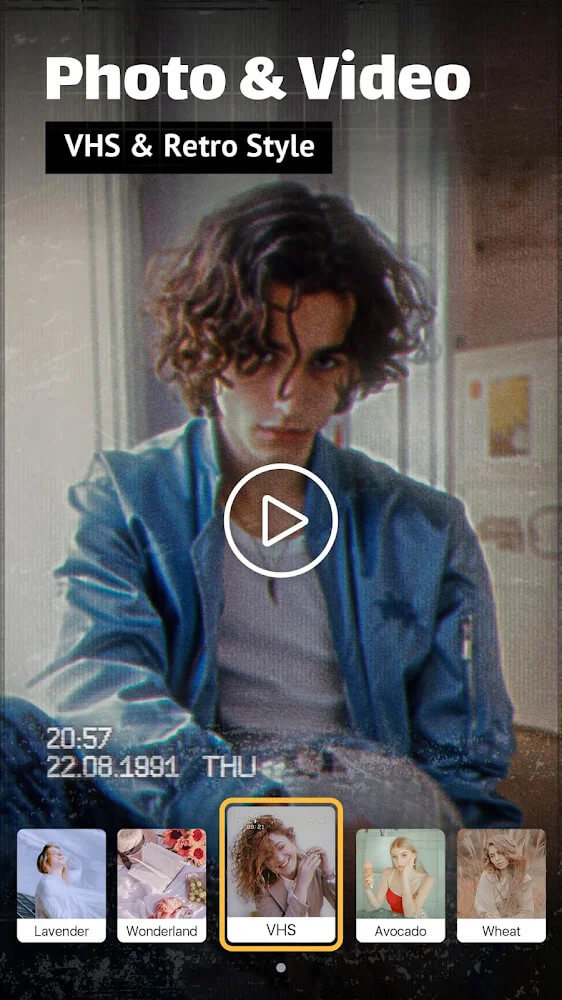
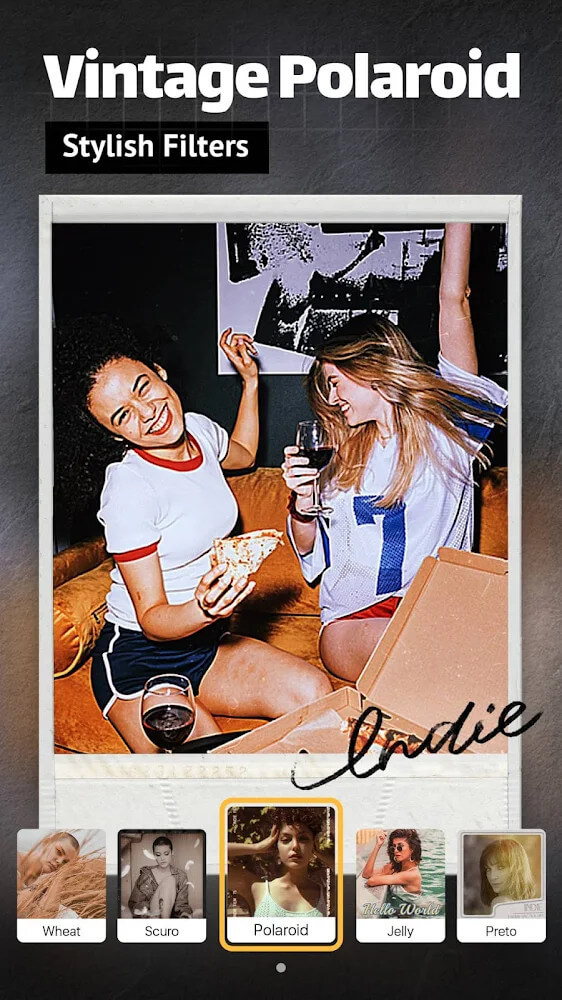
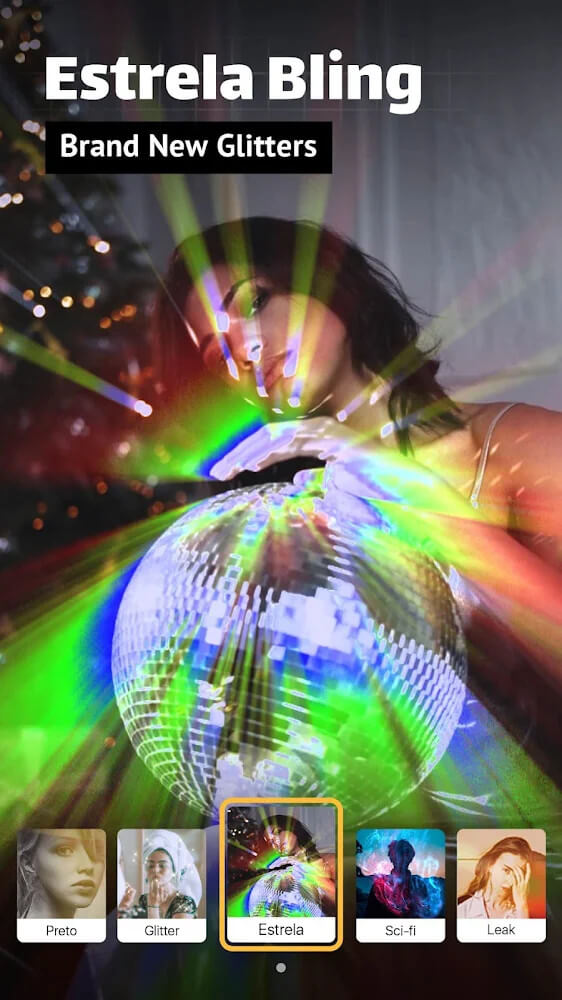
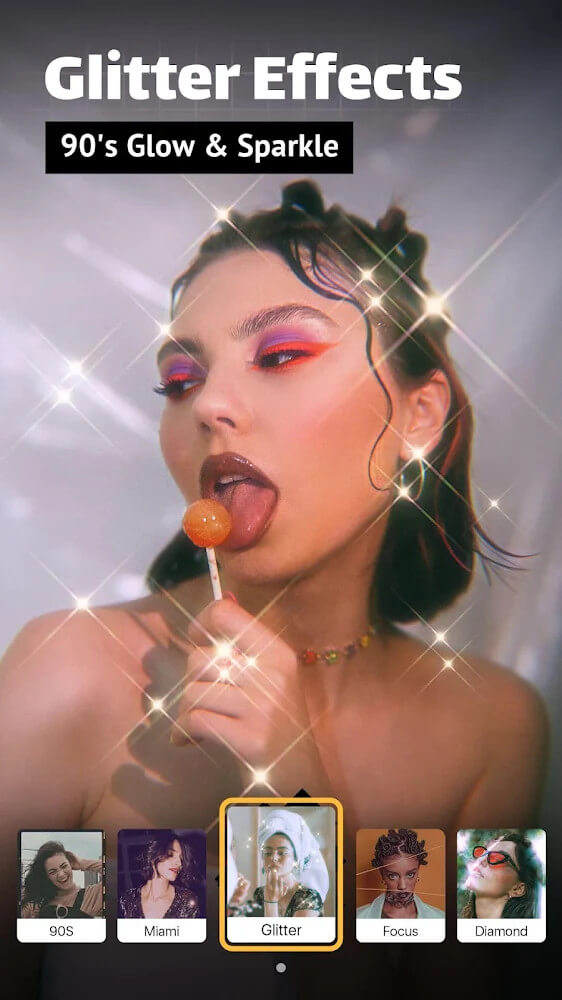
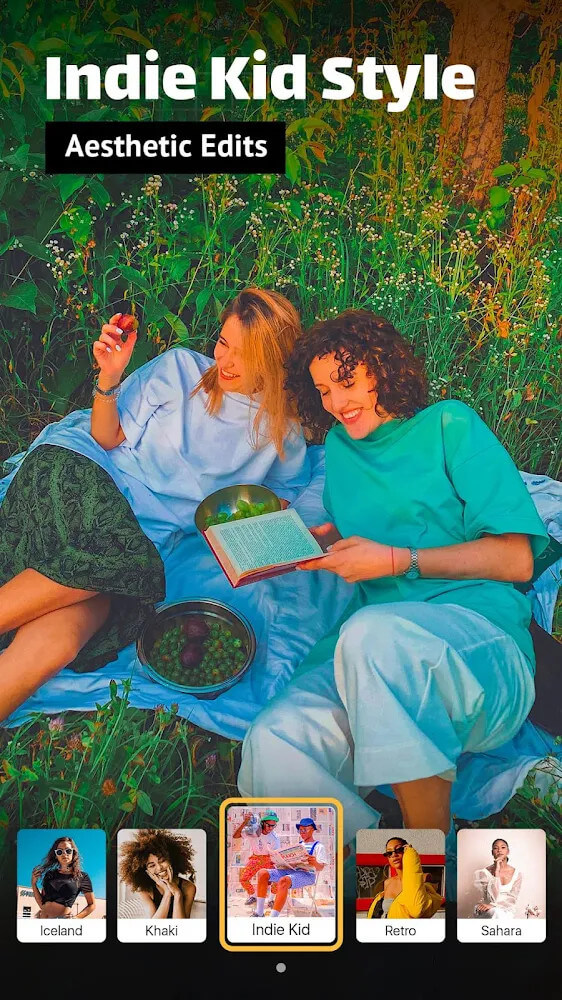
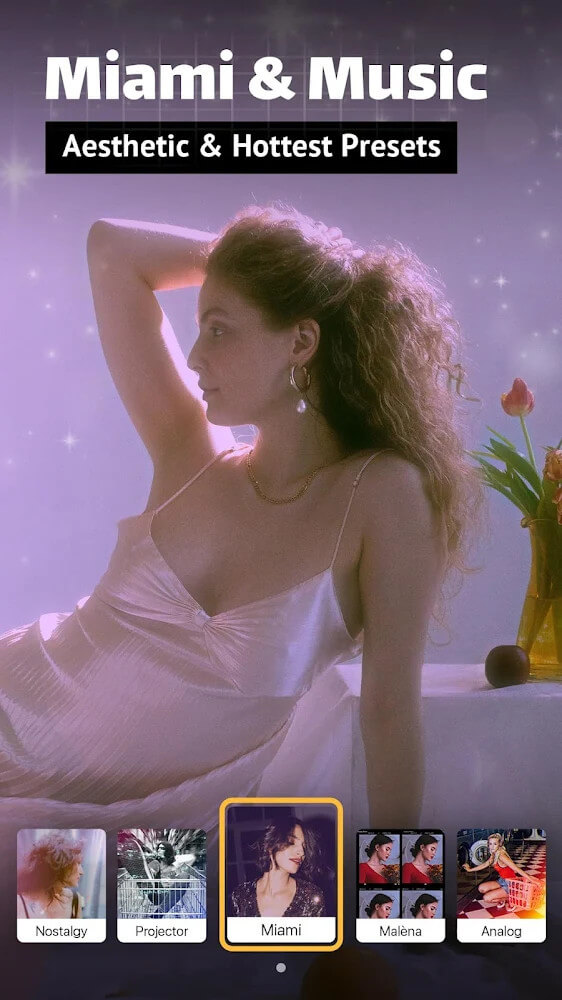
1. A broad effects library covers glitch, film, VHS, retro, swag, and other trending looks, letting you tap a keyword and instantly apply a visual style to your clip without manual keyframing.
2. Color filters sit alongside the effects so you can correct or stylize the palette of your footage, choosing from a wide range of tones to match the mood you selected earlier.
3. Text tools let you overlay keywords or short captions using artistic fonts, which helps explain content and catch the viewer's eye without relying on the default typeface.
4. Aspect ratio and crop controls help you reframe videos for different social platforms, reducing unwanted black bars and making sure each upload fits the destination feed.
5. Music selection and export options round out the toolkit, with a short rendering wait and watermark settings that vary depending on the version you are running.
How to Use
1. Launch Indie-Aesthetic and open the editing workspace, where the interface is split into tabs labeled with keywords such as effects, filter, text, music, and crop for quick navigation.
2. Import the video you want to adapt, then browse the effects tab and tap a style to preview it instantly on your footage before committing to a final choice.
3. Move to the filter tab to adjust color, then add captions or short phrases with the text tool and pick an artistic font that suits the tone of your clip.
4. Use the crop controls to set the correct aspect ratio for your target platform, add a song from the music section, and export; wait a few seconds for rendering to finish.
Tips
1. Apply an effect first and choose a filter second, because layering color on top of an established look keeps the result coherent instead of muddy.
2. Keep captions short and place them away from busy areas of the frame so artistic fonts stay readable on small phone screens.
3. Check the required aspect ratio for each platform before exporting, since a clip framed for one feed may show black bars on another.
4. Preview your video with music at full volume before saving, as audio timing and loudness often feel different after export.
Review
1. Indie-Aesthetic works best as a fast styling tool rather than a full professional editor, and for creators posting short-form content that trade-off is usually the right one.
2. The keyword-based tabs keep the learning curve low, so even first-time users can find effects, filters, and text options without digging through menus.
3. The effects catalog is the standout element, offering enough variety to make ordinary footage feel current, though heavy stacking can look busy.
4. Export times are short and the watermark behavior depends on your version, so check your build before publishing if a clean output matters to you.
Similar Apps
1. CapCut offers a comparable mix of effects, filters, and text tools with strong social platform support, making it a natural alternative for trend-driven edits.
2. VN Video Editor provides layered timeline editing and color controls for users who want more precision than keyword tabs allow.
3. InShot focuses on quick crop, music, and text workflows for vertical video, similar in spirit to Indie-Aesthetic's streamlined approach.
4. KineMaster suits creators who need multi-track editing and audio mixing, while Alight Motion appeals to those experimenting with motion graphics and visual effects.










Comments (0)
No comments yet. Be the first!