PhotoShot is a full-featured mobile photo studio that puts professional editing power right in your pocket. With version 3.2.1, this Photography category app combines AI-driven background removal, rich color filters, and playful cartoon effects so you can turn ordinary shots into scroll-stopping visuals ready for any social feed. Whether you are building a personal brand or simply want your photos to look their best, PhotoShot gives you the tools to shape every detail with confidence.
Features
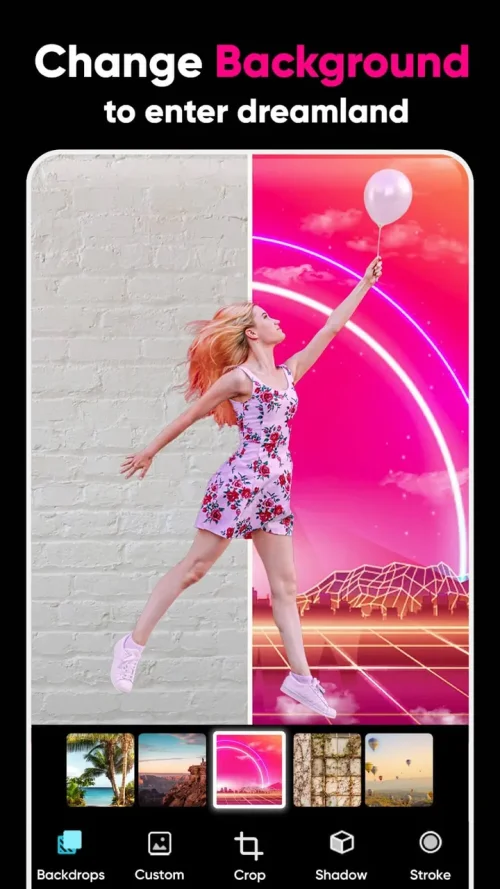
1. AI-powered background removal lets you isolate your subject in seconds, using smart context recognition to delete unwanted areas and drop in fresh scenes without tedious manual masking.
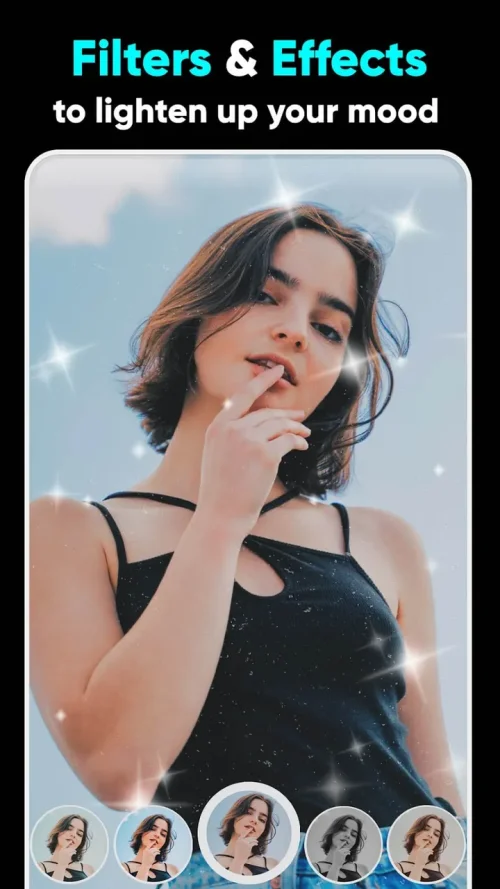
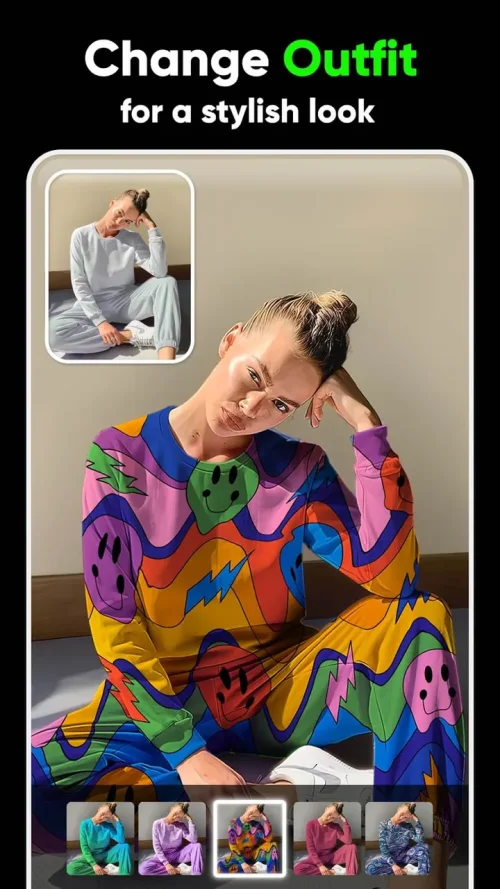
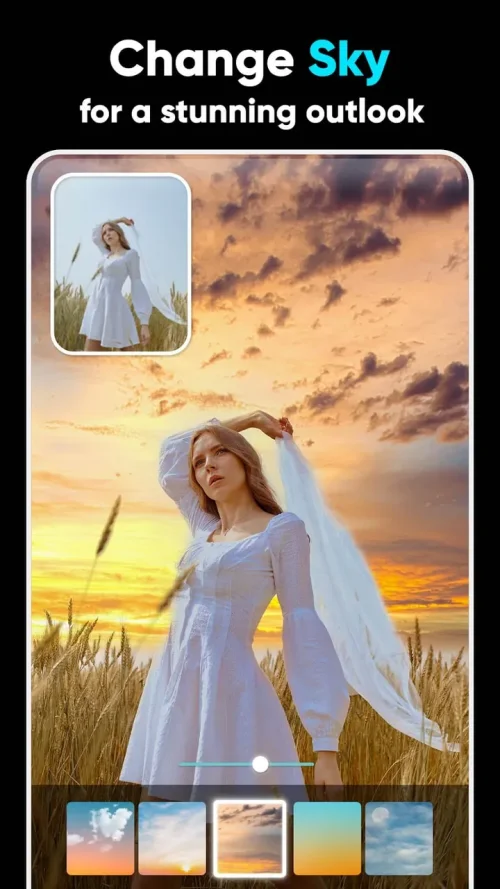
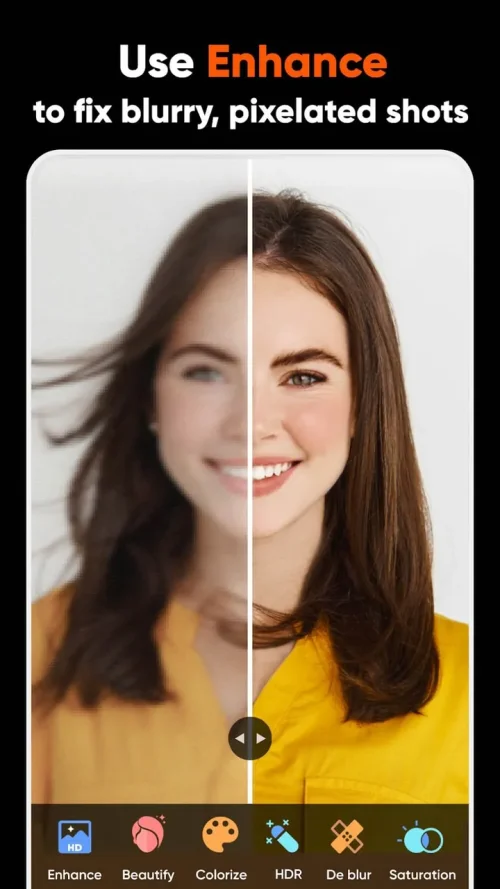
2. A broad library of vibrant filters and color adjustment tools helps you dial in the perfect aesthetic, from warm golden-hour tones to crisp, high-contrast looks that pop on small screens.
3. Cartoon and artistic effects transform portraits and landscapes into stylized artwork, giving your gallery a distinctive visual signature that stands out from ordinary snapshots.
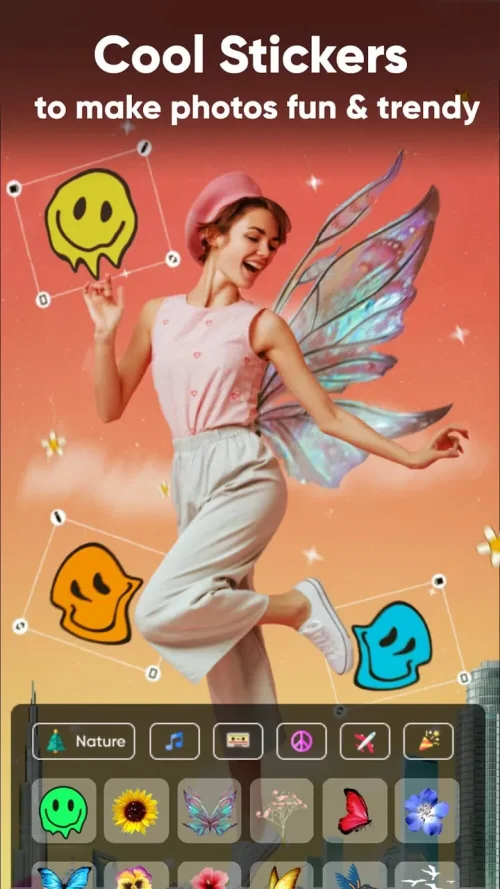
4. A drag-and-drop text editor with emoji integration makes it easy to add captions, stickers, and personal touches, with every change previewed in real time as you work.
5. The responsive, beginner-friendly interface keeps the workflow fast and smooth, so both first-time editors and seasoned creators can move from import to export without friction.
How to Use
1. Launch PhotoShot and import the image you want to edit from your gallery or camera, then let the workspace load your photo at full resolution for accurate previews.
2. Tap the automated delete-and-add tool to remove the existing background through context recognition, then insert a new backdrop that matches the mood you are going for.
3. Open the color adjustment panel and experiment with filters, brightness, contrast, and saturation until the aesthetic feels right for your subject and platform.
4. Add personality with the drag-and-drop text editor and emoji stickers, positioning each element precisely while watching the live preview update instantly.
5. Review the final composition at full size, fine-tune any remaining details, and export your finished image in high resolution for sharing online.
Tips
1. Start with a well-lit, uncluttered source photo, because cleaner input gives the AI background removal sharper edges and more natural cutouts around hair and fine details.
2. Apply color adjustments before adding text and stickers, so your typography and emoji choices harmonize with the final palette instead of clashing with it.
3. Keep filter intensity moderate on portraits to preserve natural skin tones, and reserve bolder cartoon effects for stylized posts where exaggeration is the point.
4. Use the live preview to compare small changes side by side, since subtle tweaks to contrast and warmth often make a bigger difference than heavy-handed edits.
5. Save a clean, unedited copy of your original image before experimenting, so you can always return to the source and try a completely different creative direction.
Review
1. PhotoShot earns its place among everyday editing apps by pairing genuinely useful AI background tools with a interface that never feels overwhelming, even on a first session.
2. The filter and cartoon effects are the standout attraction, delivering social-ready results quickly, though very complex cutouts may still need a manual touch-up pass.
3. Real-time previews keep the editing process responsive and predictable, which makes fine-tuning color and text placement far less frustrating than in heavier desktop-style apps.
4. For influencers, casual creators, and anyone who wants polished photos without a steep learning curve, PhotoShot v3.2.1 is a practical, creative companion worth keeping installed.
Similar Apps
1. PicsArt offers a sprawling creative suite with collage tools, stickers, and drawing features, making it a strong alternative for users who want editing and design in one place.
2. Snapseed provides precise, Google-built adjustment tools and selective edits, appealing to photographers who prefer granular control over one-tap filters and effects.
3. Canva combines template-driven design with photo editing, which suits creators who need polished social graphics and quick background removal alongside image touch-ups.
4. Adobe Lightroom focuses on color grading and RAW processing, ideal for enthusiasts who want professional-level tone control rather than cartoon effects and sticker overlays.
5. Background Eraser apps specialize in clean cutouts and transparent exports, a focused choice for users whose main need is fast, accurate subject isolation.











Comments (0)
No comments yet. Be the first!